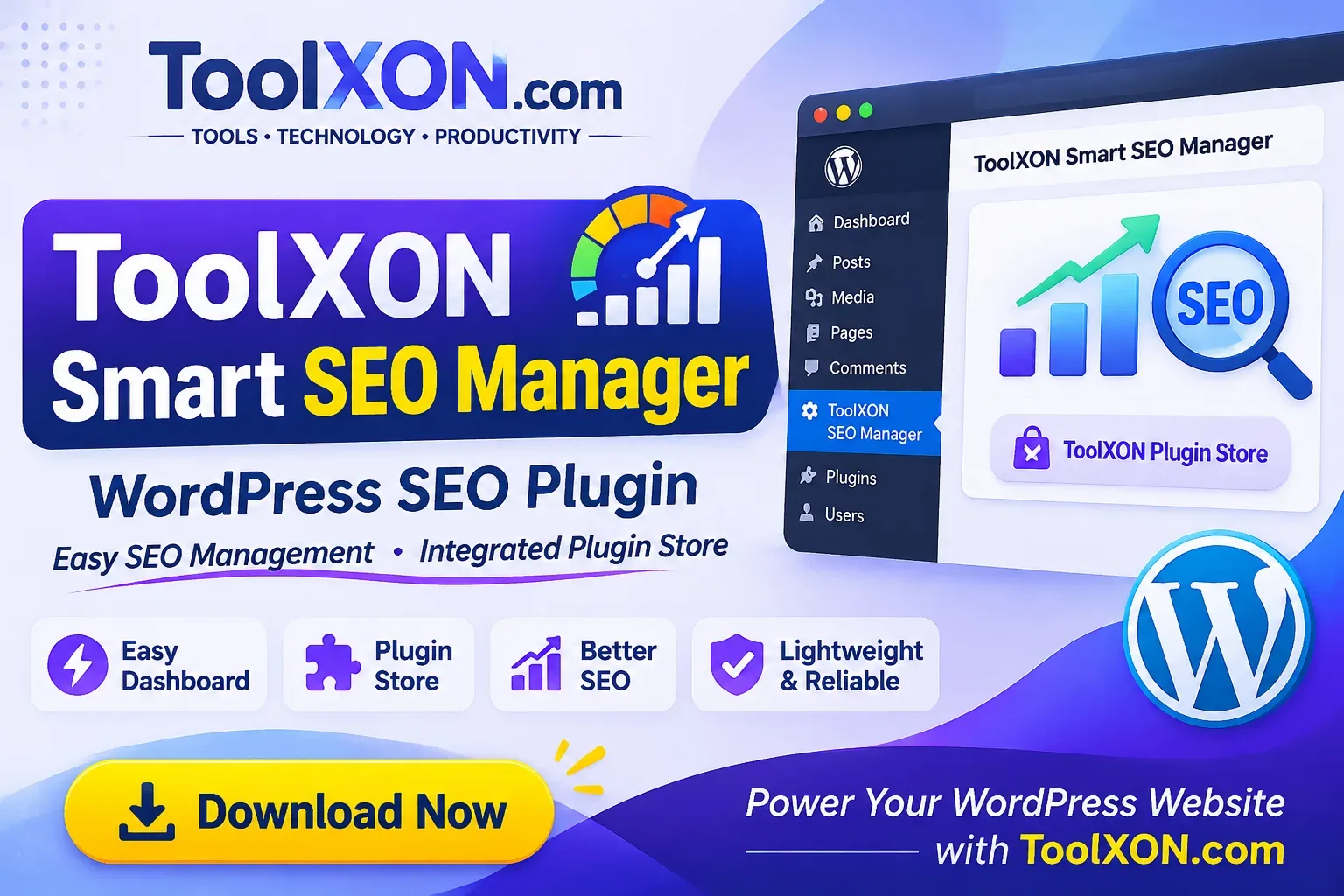
ToolXON Smart SEO Manager is a WordPress SEO management plugin designed to make everyday website management simpler. Managing a WordPress website often involves navigating different dashboard sections and searching for the right tools. This plugin brings a more convenient experience through an easy-to-use management interface.
One of its useful features is the integrated ToolXON Plugin Store, which allows users to browse available plugins directly from the WordPress dashboard. As a result, discovering useful tools becomes more convenient without repeatedly opening separate browser tabs.
Whether you manage a personal blog, a content website or a growing online project, ToolXON Smart SEO Manager provides a straightforward way to access its available management features. If you prefer a clean dashboard and convenient plugin discovery, this lightweight WordPress plugin is worth exploring.
ToolXON Smart SEO Manager
A convenient WordPress SEO management experience with an integrated plugin discovery interface.
Plugin ZIP package · WordPress compatible · Check compatibility before installation.
Table of Contents
Key Features of ToolXON Smart SEO Manager
1. Easy-to-Use Dashboard
Access the plugin's available management features through a straightforward WordPress dashboard interface.
2. Integrated ToolXON Plugin Store
Browse the ToolXON Plugin Store directly from the dashboard and discover useful WordPress plugins.
3. Convenient Plugin Discovery
Explore available plugin information without constantly switching between the WordPress dashboard and external pages.
4. Lightweight Package
With a reported ZIP size of just 5.4 KB, the plugin package is compact and easy to download.
Why Use This WordPress SEO Management Plugin?
Managing website tools should not feel complicated. ToolXON Smart SEO Manager focuses on making its available features easier to access. Moreover, its integrated plugin store creates a convenient starting point for discovering additional tools for your WordPress website.
For additional website management resources, explore these ToolXON plugins:
How to Install ToolXON Smart SEO Manager
- Download the plugin ZIP file using the download button above.
- Open your WordPress dashboard.
- Navigate to Plugins → Add New Plugin → Upload Plugin.
- Select the downloaded ZIP file and click Install Now.
- Activate the plugin after installation.
- Open the plugin interface and explore its available features.
Always keep a backup of your website before installing new plugins. Also, use a compatible and updated WordPress environment.
Frequently Asked Questions
What is ToolXON Smart SEO Manager?
It is a WordPress plugin designed to provide an accessible management interface and an integrated ToolXON Plugin Store.
Does it include a Plugin Store?
Yes. It includes an integrated interface for browsing the ToolXON Plugin Store from the WordPress dashboard.
How can I download the plugin?
Use the Download Plugin button in this article to get the ZIP package.
Is the plugin free?
Check the official ToolXON plugin page for the latest pricing and licensing information.
Discover More with ToolXON
Explore useful plugins, technology resources and productivity tools for your website.
Visit ToolXON Plugin Store →ToolXON.com · Tools • Technology • Productivity