ToolXON Smart Broken Link Checker
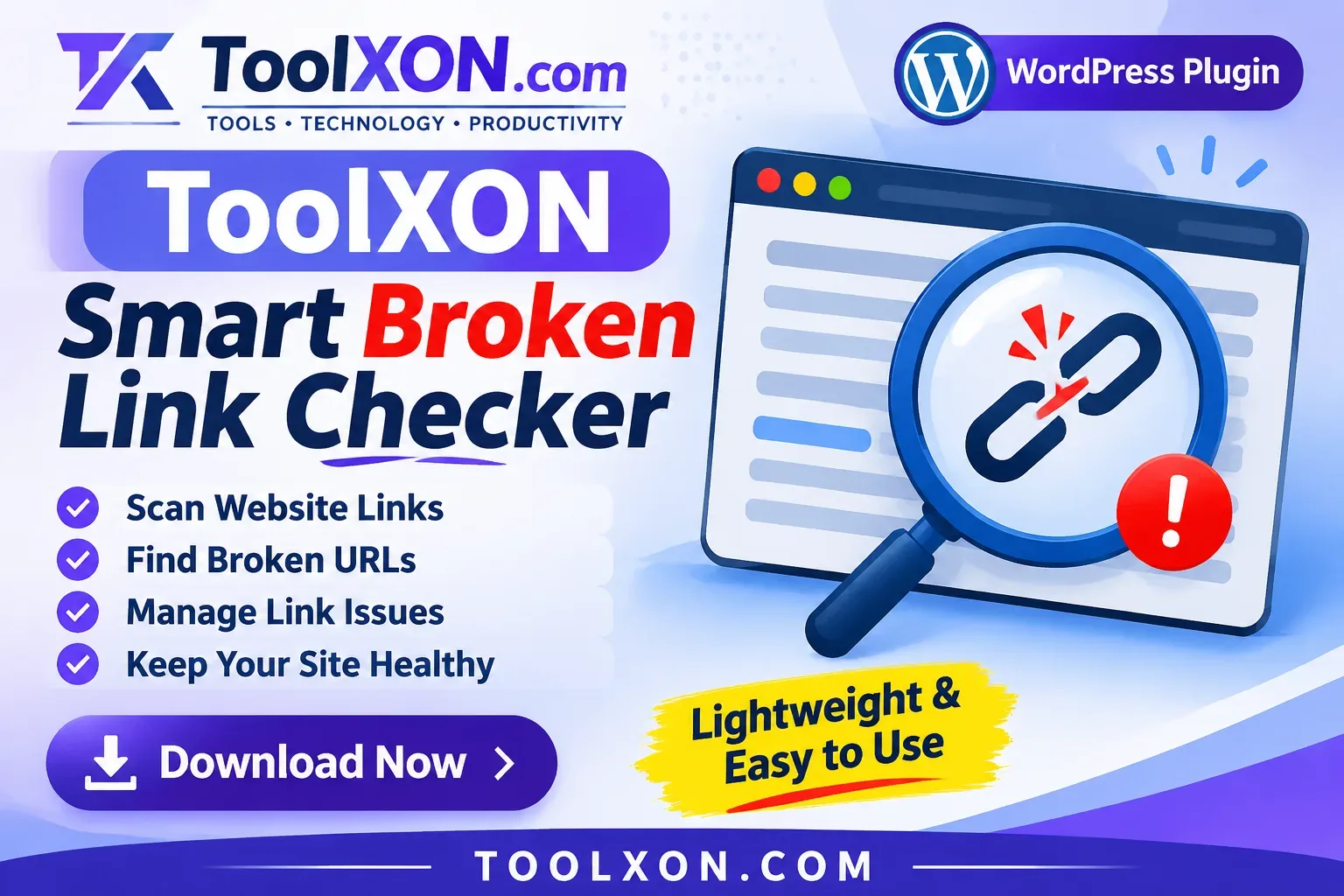
ToolXON Smart Broken Link Checker is a lightweight WordPress plugin designed to help website owners identify broken URLs and manage link-related issues more conveniently. Keep your website links organised with a simple scanning and management experience.
ToolXON Smart Broken Link Checker helps WordPress website owners deal with one common but often overlooked problem: broken links. As a website grows, pages get removed, URLs change, and external websites become unavailable. Consequently, visitors may encounter links that no longer lead to the expected destination.
Finding these issues manually can take considerable time, especially when a website contains many posts and pages. This is where a WordPress broken link checker can be useful. Instead of checking every URL individually, you can use a dedicated plugin to scan website links, identify problematic URLs and review them from a central interface.
ToolXON introduces a lightweight solution with a clean Light Indigo Glassmorphism interface. It is designed to make link management easier while keeping the plugin experience simple and focused. Whether you manage a personal blog, a content website or a growing WordPress project, checking your links regularly can help maintain a better browsing experience.
Table of Contents
Key Features of ToolXON Smart Broken Link Checker
Website Link Scanning
Scan website links to help identify URLs that may no longer work properly.
Broken URL Identification
Find potentially broken links and review them without manually opening every page.
Link Issue Management
Manage identified link issues from a dedicated plugin interface.
Lightweight Design
The plugin comes with a compact design and a premium Light Indigo Glassmorphism interface for a cleaner WordPress admin experience.
Automatic Plugin Updates
Automatic plugin update support helps you receive available updates through the connected ToolXON update system.
Why Is a WordPress Broken Link Checker Important?
Broken links can frustrate visitors and make website navigation less reliable. For example, an outdated tutorial link or an unavailable resource may prevent readers from finding useful information.
Regular link checking helps you:
- Identify outdated or unavailable URLs.
- Improve website navigation.
- Maintain useful internal and external links.
- Reduce frustrating browsing experiences.
- Keep older website content better maintained.
Although fixing broken links does not guarantee better search rankings, maintaining useful links contributes to a healthier website experience.
How to Use ToolXON Smart Broken Link Checker
- Download the plugin ZIP file using the button below.
- Open your WordPress Dashboard.
- Navigate to Plugins → Add New Plugin.
- Select Upload Plugin and choose the downloaded ZIP file.
- Install and activate the plugin.
- Open the plugin interface and use its available scanning options.
- Review identified link issues and manage them as needed.
Tip: Always keep a backup of your WordPress website before installing or updating plugins.
ToolXON Smart Broken Link Checker – Plugin Details
Plugin Information
| Property | Details |
|---|---|
| Plugin Name | ToolXON Smart Broken Link Checker |
| Version | 2.1.2 |
| Last Updated | 11 November 2026 |
| File Size | 15.2 KB |
| Platform | WordPress |
| Developer | ToolXON |
Download ToolXON Smart Broken Link Checker
Get the latest listed version and start managing broken links on your WordPress website.
Version: 2.1.2 | Size: 15.2 KB
Download Plugin ZIPDownload the plugin and install it through your WordPress dashboard.
Explore More ToolXON WordPress Plugins
Blogger Type SEO Sitemap Manager
Explore another ToolXON plugin designed to help manage sitemap-related SEO functionality.
Explore SEO Sitemap Manager →Frequently Asked Questions
1. What is ToolXON Smart Broken Link Checker?
It is a WordPress plugin designed to scan website links, identify broken URLs and help manage link-related issues.
2. Can this plugin find broken links in WordPress?
Yes. Its website scanning functionality is designed to help identify potentially broken links for review.
3. Does the plugin support automatic updates?
Yes. The plugin includes automatic update support through the connected ToolXON update system.
4. How can I install the plugin?
Download the ZIP file, open your WordPress dashboard, navigate to Plugins → Add New Plugin and upload the ZIP file.
5. Is fixing broken links important for SEO?
Maintaining useful links can improve navigation and visitor experience. However, fixing broken links alone does not guarantee higher search rankings.