ToolXON Advanced Sitemap Manager
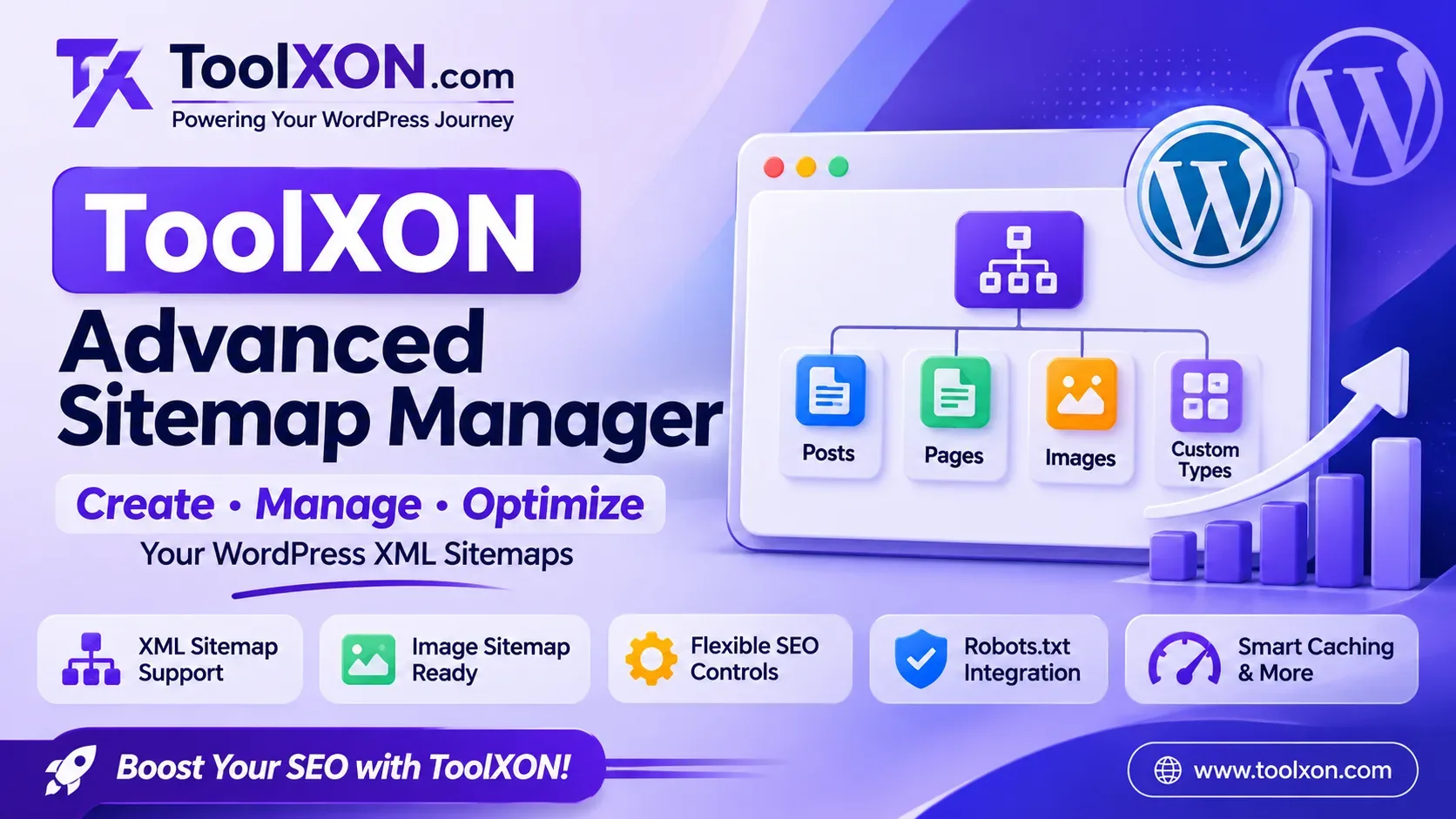
ToolXON Advanced Sitemap Manager is a practical WordPress sitemap plugin designed to make XML sitemap creation and management easier. It provides flexible controls for website owners who want to organize their important URLs and help search engines discover their website content.
From blog posts and pages to custom post types, taxonomies, author archives, and images, the plugin brings essential sitemap management options together in one dashboard. Additionally, configurable priorities, change frequencies, URL exclusions, last-modified dates, and caching make it easier to manage sitemap settings without unnecessary complexity.
Whether you run a personal blog, a business website, or a content-rich WordPress installation, this tool offers a convenient way to manage your sitemap configuration.
Key Features of ToolXON Advanced Sitemap Manager
A good sitemap manager should provide flexibility without making routine website management difficult. Here are the main features included in this WordPress XML sitemap plugin.
Generate sitemaps for posts, pages, custom post types, taxonomies, and author archives to organize different types of website content.
Include image information in supported sitemap output to help search engines discover images associated with your website content.
Configure sitemap priorities and change frequencies according to your content management preferences.
Exclude selected URLs from sitemap generation when they should not appear in your sitemap.
Manage last-modified information and use caching features to support efficient sitemap delivery.
Includes automatic robots.txt integration to help make sitemap discovery easier for search engines.
The Light Indigo Glassmorphism dashboard provides a modern interface, with an integrated ToolXON Plugin Store for a more convenient experience.
Why Use a WordPress XML Sitemap Manager?
As a website grows, keeping track of published URLs can become increasingly difficult. An XML sitemap provides search engines with a structured list of important website URLs, making content discovery more convenient.
ToolXON Advanced Sitemap Manager brings essential sitemap controls into WordPress. Instead of manually maintaining different sitemap entries, website administrators can manage supported content types and exclusions through the plugin.
However, having a sitemap does not guarantee indexing or higher rankings. Search engines still decide which pages to crawl and index based on their own systems.
How to Get Started With the Plugin
Simple Setup Guide
Step 1: Download the plugin ZIP file using the download button below.
Step 2: Open your WordPress dashboard and navigate to Plugins → Add New Plugin.
Step 3: Select Upload Plugin and choose the downloaded ZIP file.
Step 4: Install and activate ToolXON Advanced Sitemap Manager.
Step 5: Open its settings and configure the sitemap content types, exclusions, priorities, and other available options.
Step 6: Check your generated XML sitemap and verify that the included URLs are correct.
ToolXON Advanced Sitemap Manager – Plugin Details
| Information | Details |
|---|---|
| Plugin Name | ToolXON Advanced Sitemap Manager |
| Developer | ToolXON |
| Version | 1.0.0 |
| Last Updated | 11 November 2026 |
| File Size | 11.6 KB |
| Platform | WordPress |
| File Format | ZIP |
| Plugin Type | XML Sitemap Manager |
Download ToolXON Advanced Sitemap Manager
Ready to manage your WordPress XML sitemaps? Get the plugin ZIP package and install it on your WordPress website.
Version: 1.0.0 | Size: 11.6 KB
The download will begin after a short countdown.
Frequently Asked Questions
It is a WordPress plugin that helps generate and manage XML sitemaps for posts, pages, custom post types, taxonomies, and author archives.
Yes. Image sitemap support is included to help search engines discover images associated with website content.
Yes. The plugin includes URL exclusion controls for managing which URLs appear in generated sitemaps.
Yes. Custom post types are among the supported sitemap content types.
No. A sitemap helps search engines discover URLs, but it does not guarantee crawling, indexing, or improved search rankings.
Download the ZIP file, open WordPress Plugins, select Add New Plugin, upload the ZIP, and activate it.