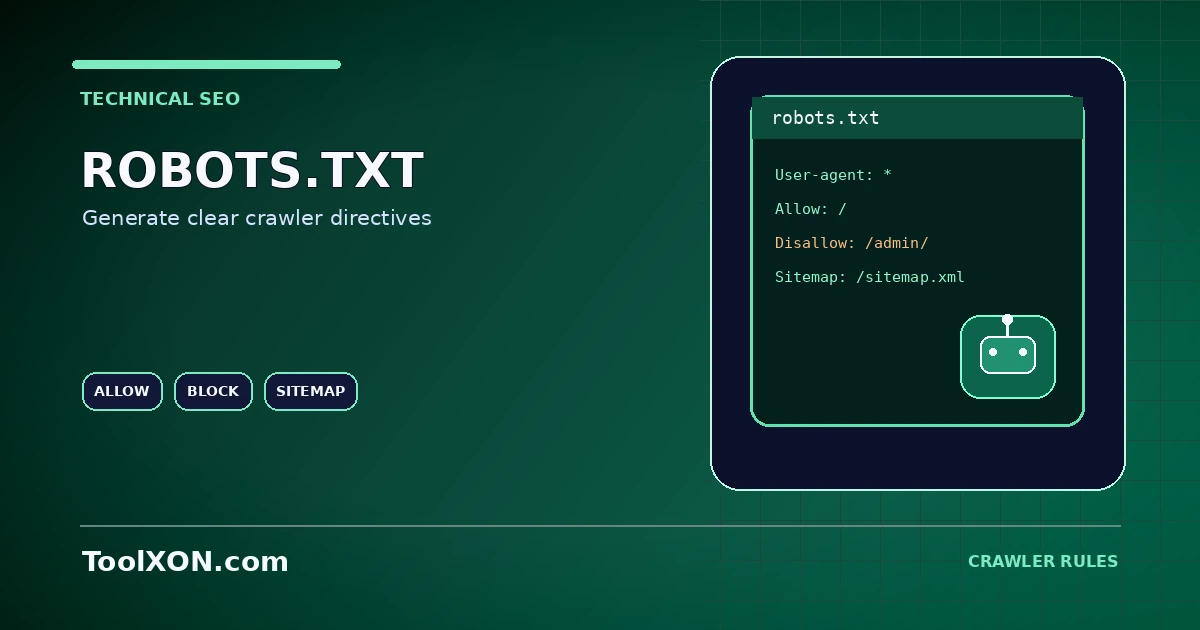
A robots.txt file provides instructions to compliant web crawlers about which URL paths they may request. It is commonly placed at the root of a host, such as example.com/robots.txt. The ToolXON Robots.txt Generator below helps you draft basic directives, but the generated file must match your actual site structure and goals. Robots.txt is not an access-control system and should never be used to protect private files or sensitive information.
People Also Search For
Use the Robots.txt Generator Tool
This is a working, interactive tool embedded directly in this post. Complete your task here, then follow the guide below for tips and limitations.
Understand the common directives
User-agent selects the crawler group a rule applies to. Disallow asks matching crawlers not to request a path, and Allow can permit a more specific path in implementations that support it. A Sitemap line can point crawlers to an XML sitemap. Support and rule interpretation vary by crawler; consult the documentation for services you need to support.
How to Use It
- Enter the crawler groups and path rules that fit your site.
- Review every Disallow path carefully, especially broad rules such as
Disallow: /. - Add the full sitemap URL if appropriate.
- Save the file as plain text named
robots.txt. - Upload it to the root of the correct hostname and test the live URL and important pages.
Important Tips and Limitations
Blocking crawling does not guarantee a URL will disappear from search results. A blocked page may still be discovered from links, and robots.txt contents are public. Use authentication or proper server-side access controls for private resources. Avoid replacing an existing rules file without first reviewing its current directives.
Frequently Asked Questions
Where does robots.txt go?
It usually belongs at the root of the relevant host, for example https://example.com/robots.txt.
Does Disallow remove a page from Google?
Not by itself. Crawling controls and indexing controls are different; use the right mechanism for the desired outcome.
Can I block a private folder with robots.txt?
Do not rely on robots.txt for secrecy. Use authentication or server permissions to restrict access.