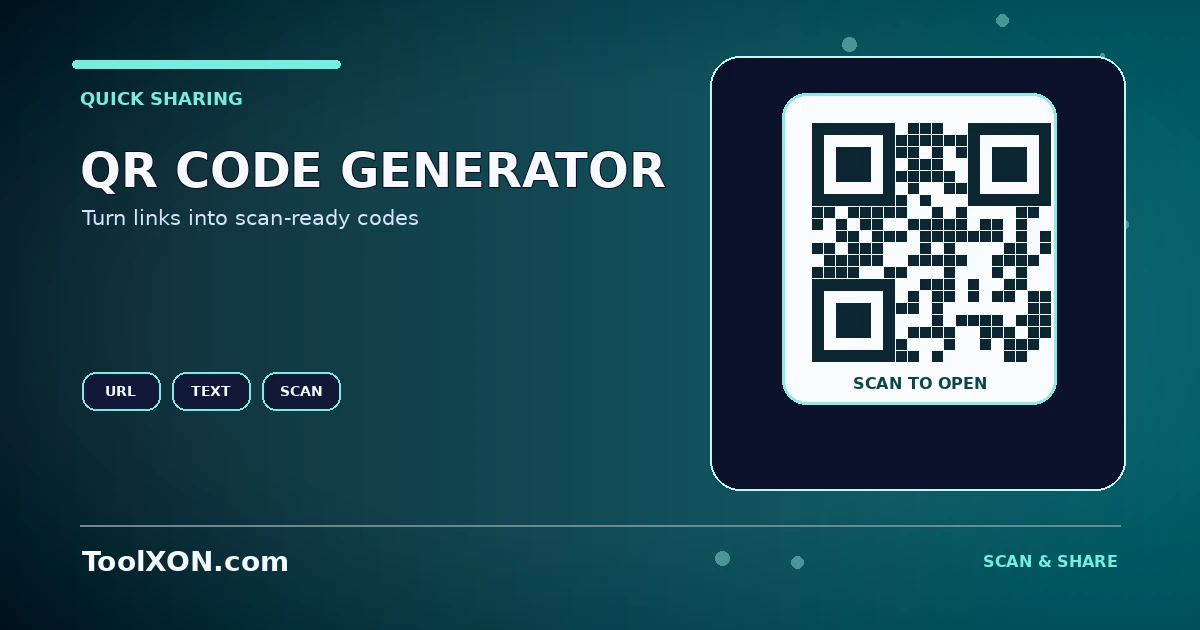
A QR code can make a long URL easier to open from a phone camera. It is useful on posters, product labels, menus, event materials and printed instructions. The ToolXON QR generator below lets you create a code for the input types supported by the tool and download an image for use elsewhere. Before printing or sharing it widely, test the exported code on more than one device and make sure it opens the intended destination.
People Also Search For
Use the QR Code Generator Online for Links and Contact Details Tool
This is a working, interactive tool embedded directly in this post. Complete your task here, then follow the guide below for tips and limitations.
QR Code Generator
Create a QR code from text or a URL and open the generated image in a new tab.
This tool uses an external QR image service. The text or URL you enter is sent to that service to generate the image, so do not enter passwords, private codes or confidential information. For critical uses, scan-test the downloaded code.
Make a QR code easy to scan
QR readability depends on the encoded content, printed size, contrast, quiet space around the code and the quality of the final image. Very long URLs create denser codes that may need more space. Dark modules on a light background are usually easier to scan than low-contrast or inverted designs. Keep the code away from folds, glossy glare and busy backgrounds.
How to Use It
- Open the QR code generator.
- Choose a supported content type and enter the complete URL or text.
- Generate the QR code and download the available image format.
- Scan the saved image from another device to test it.
- For print, test a sample at the final physical size before producing a large batch.
Important Tips and Limitations
A QR code does not prove that a linked site is safe. Check the destination before opening or printing it, and avoid encoding passwords or private information into a code intended for public display. If you use a URL shortener or tracking redirect, keep in mind that future changes to the destination can affect where the code leads.
Frequently Asked Questions
Can I make a QR code for any link?
You can create a code for URLs supported by the tool. Test the final code and the destination before sharing.
Why does my printed QR code not scan?
It may be too small, blurry, low-contrast or printed without enough surrounding whitespace.
Does generating a QR code track scans?
A static QR image does not itself provide analytics. Tracking depends on the destination or a separate redirect/analytics service.