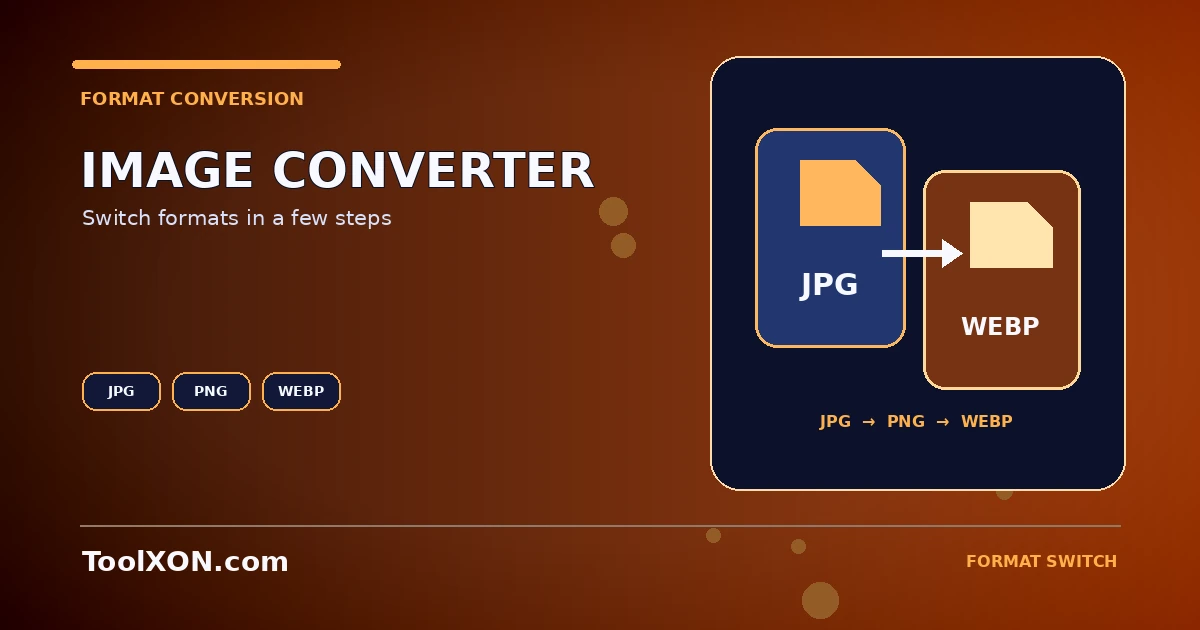
Different image formats are useful for different jobs. JPG is commonly used for photographs, PNG supports transparency, and WebP can provide compact files for many web images. A format converter lets you create another version without opening a full image editor. Use the ToolXON converter below, select an output format and inspect the exported file before replacing the original. Conversion changes the file encoding; it does not automatically improve image quality or make every file smaller.
People Also Search For
Use the Convert JPG, PNG and WebP Images Online Tool
This is a working, interactive tool embedded directly in this post. Complete your task here, then follow the guide below for tips and limitations.
JPG, PNG & WebP Converter
Convert common image formats and download the result. Files stay in your browser unless your browser or extensions change that behavior.
Source
No file selected.
Converted
Output will appear here.
Changing format may affect transparency: JPEG does not support transparency, so transparent areas become white.
Choose the right output format
JPG: a practical choice for photos when small file size matters and transparency is not needed. PNG: useful for graphics with sharp edges or transparent backgrounds. WebP: supports lossy and lossless compression and transparency, making it useful for many web workflows. Support and behavior can differ in older apps, so keep a compatible copy when required.
How to Use It
- Open the image converter.
- Select a supported input image.
- Choose JPG, PNG or WebP as the output format.
- If a quality control is provided, adjust it according to your use case.
- Convert, inspect the result and download the new file.
Important Tips and Limitations
JPG does not preserve transparency. Converting a transparent PNG to JPG usually requires a background color, and some tools may flatten transparent areas. Repeatedly saving a photo as JPG can introduce additional compression artifacts. Keep the original master file and avoid converting between formats unnecessarily.
Frequently Asked Questions
Is WebP always smaller than JPG?
No. Results depend on image content, encoder settings and quality target. Compare actual output files.
Will PNG keep transparency?
PNG supports transparency; confirm that the converter preserves it and that the selected output format also supports it.
Does converting improve a blurry image?
No. Format conversion changes how the image is stored, not the detail captured in the original.