K-C Material HyperOS Theme is a good style to explore if you prefer a colourful, organized home screen with rounded icons and a modern Material-inspired finish. The idea is to make everyday apps feel visually consistent without turning the screen into a busy collection of effects. Exact icon coverage, lock-screen options and system elements can differ between theme builds, phone models and regional Themes catalogs, so treat this guide as a setup checklist rather than a promise that every preview feature will be present.
People Also Search For
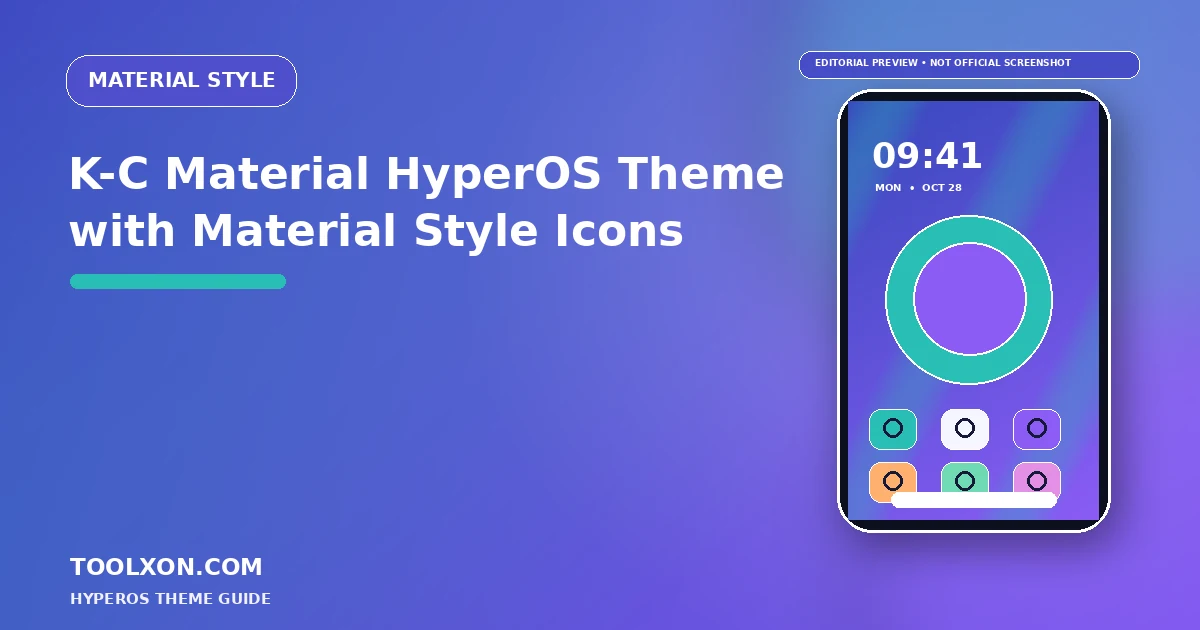
The featured graphic is an editorial illustration, not an official screenshot of the theme. Check the in-app preview for the exact current design.
K-C Material HyperOS Theme with Material Style Icons: Theme Overview
A material-style layout usually relies on balanced shapes, readable contrast and a restrained colour palette. Rounded icon tiles can make the grid feel more unified, while a coordinated wallpaper helps widgets and app labels remain easy to scan. If the theme includes matching lock-screen artwork or system accents, apply those parts only after checking the preview and the supported components on your device.
Theme packages can adjust different parts of the interface, including supported home-screen icons, wallpaper, lock screen and system visuals. Not every theme changes every component. Check the exact name, creator details and preview that are displayed in your own catalogue before you decide whether this style suits your phone.
Visual Details to Look For
- Rounded, coordinated app-icon styling
- A wallpaper palette that complements the icon colours
- A tidy home-screen grid with clear visual hierarchy
- Optional matching lock-screen or system accents, when supported
Best for: People who like a clean, colourful interface and want a softer alternative to the default icon grid.
Official Themes app link: theme://zhuti.xiaomi.com/detail/3cc8fcde-c80c-4f32-9344-cd1923a702fa. If tapping the button does not open Themes, copy the link and paste it into your phone browser. Theme visibility and download access can vary by region, device and HyperOS version.
How to Find and Apply the Theme
- Tap the Open Official Themes App button above. If it does not open, copy the official
theme://zhuti.xiaomi.com/detail/3cc8fcde-c80c-4f32-9344-cd1923a702falink shown above and paste it into your phone browser. You can also open the built-in Themes app on your Xiaomi, Redmi or POCO phone and search the exact theme name. - Search for K-C Material HyperOS Theme using the exact name. Review the preview and any price or availability label shown.
- Open the theme details and tap Download or the displayed purchase option, if it is available.
- Tap Apply. If your device offers separate components, select only the parts you want to change, such as icons, lock screen or system styling.
- Check your home screen, lock screen, notifications and frequently used apps. Switch back to the default theme if text or controls become difficult to read.
For general instructions, see Xiaomi’s official guide to wallpapers and themes.
Compatibility and Safety Tips
Check whether the theme covers the apps you use most. Unmatched icons may keep their original shape, and a third-party icon pack may not be separately selectable in every Themes version.
- Theme catalogues can differ by region, phone model and HyperOS version.
- Use the built-in Themes app as the first place to check availability and any premium requirement.
- Avoid unknown APKs or packages that ask for unrelated permissions, account details or payment outside a trusted store.
- Keep a note of your current setup so you can switch back if an icon, lock-screen element or system screen behaves unexpectedly.
For the wider theme catalogue, availability is not guaranteed by this guide. A theme shown on another website may be missing from your local store or may have been updated since its preview was published.
Frequently Asked Questions
Does K-C Material change every app icon?
Not necessarily. Icon coverage depends on the theme package and app set. Check the preview and look for unmatched icons after applying it.
Can I apply only the icons?
Some Xiaomi Themes versions allow separate components such as icons, lock screen or system style. The available choices depend on the theme and phone software.
Where should I get the theme?
Search the exact name in the built-in Themes app first. Availability can vary by region, and this article does not provide an unofficial theme file.
Related HyperOS Theme Guides
- Super26 HyperOS Theme: iOS-Inspired Glass Look
- NOX_V3 HyperOS Theme for Xiaomi and Redmi Phones
- s4u12 HyperOS Theme with Glass Icons
Editorial note: Theme names and features in third-party listings can change. Confirm the exact details in the Themes app on your own device before applying a theme.