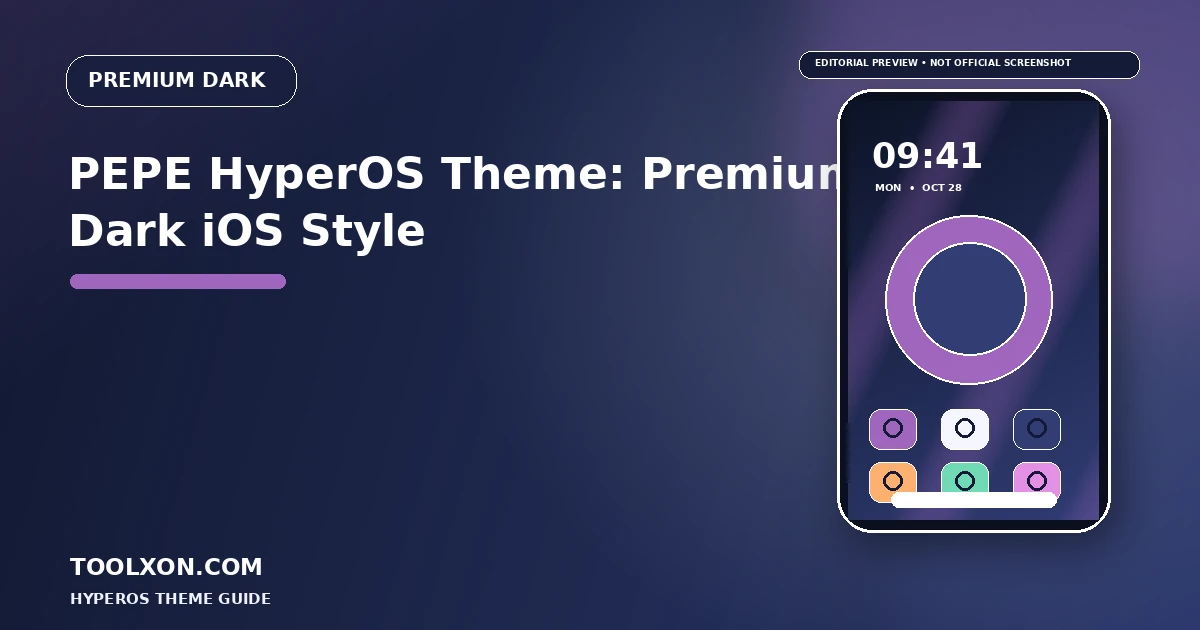
PEPE HyperOS Theme is listed as a premium dark, iOS-inspired style with colourful mountain wallpapers, glossy dark icons and a tall glass-style clock. It is a theme to consider if you prefer a darker home screen but still want some colour and depth. Features, price labels and availability can change, so check the current in-app listing before deciding to apply it.
People Also Search For
The featured graphic is an editorial illustration, not an official screenshot of the theme. Check the in-app preview for the exact current design.
PEPE HyperOS Theme: Premium Dark iOS Style: Theme Overview
A dark base can give bright wallpaper colours more impact, while glossy icons add highlights that stand out against a restrained background. A tall clock draws attention to the lock screen, so the wallpaper composition matters: avoid placing the main subject directly under the time or notification stack. The best result is a balance between visual style and everyday readability.
Theme packages can adjust different parts of the interface, including supported home-screen icons, wallpaper, lock screen and system visuals. Not every theme changes every component. Check the exact name, creator details and preview that are displayed in your own catalogue before you decide whether this style suits your phone.
Visual Details to Look For
- Dark, iOS-inspired visual direction
- Glossy dark icon artwork described by listings
- Colourful mountain wallpaper style
- Tall glass-style clock if available in your theme build
Best for: Users who enjoy a dark aesthetic with colourful scenery and polished icon details.
Official Themes app link: theme://zhuti.xiaomi.com/detail/42e571f9-982e-42ff-8049-4c7309172976. If tapping the button does not open Themes, copy the link and paste it into your phone browser. Theme visibility and download access can vary by region, device and HyperOS version.
How to Find and Apply the Theme
- Tap the Open Official Themes App button above. If it does not open, copy the official
theme://zhuti.xiaomi.com/detail/42e571f9-982e-42ff-8049-4c7309172976link shown above and paste it into your phone browser. You can also open the built-in Themes app on your Xiaomi, Redmi or POCO phone and search the exact theme name. - Search for PEPE HyperOS Theme using the exact name. Review the preview and any price or availability label shown.
- Open the theme details and tap Download or the displayed purchase option, if it is available.
- Tap Apply. If your device offers separate components, select only the parts you want to change, such as icons, lock screen or system styling.
- Check your home screen, lock screen, notifications and frequently used apps. Switch back to the default theme if text or controls become difficult to read.
For general instructions, see Xiaomi’s official guide to wallpapers and themes.
Compatibility and Safety Tips
If the theme is marked premium, review the in-app price or access requirements before downloading. Do not assume that a third-party page offers the same price or exact version.
- Theme catalogues can differ by region, phone model and HyperOS version.
- Use the built-in Themes app as the first place to check availability and any premium requirement.
- Avoid unknown APKs or packages that ask for unrelated permissions, account details or payment outside a trusted store.
- Keep a note of your current setup so you can switch back if an icon, lock-screen element or system screen behaves unexpectedly.
For the wider theme catalogue, availability is not guaranteed by this guide. A theme shown on another website may be missing from your local store or may have been updated since its preview was published.
Frequently Asked Questions
Is PEPE a free HyperOS theme?
Theme pricing can change and may vary by listing or region. Check the price shown in your own Themes app.
Does a dark theme save battery?
It may help on some OLED displays depending on brightness and content, but battery savings are not guaranteed.
Can I use the clock style alone?
Component-level application depends on what the theme and your Themes app support. Check the options shown after opening the theme.
Related HyperOS Theme Guides
- K-C Material HyperOS Theme with Material Style Icons
- Super26 HyperOS Theme: iOS-Inspired Glass Look
- NOX_V3 HyperOS Theme for Xiaomi and Redmi Phones
Editorial note: Theme names and features in third-party listings can change. Confirm the exact details in the Themes app on your own device before applying a theme.