HTML Live Preview – Write and Test HTML Online
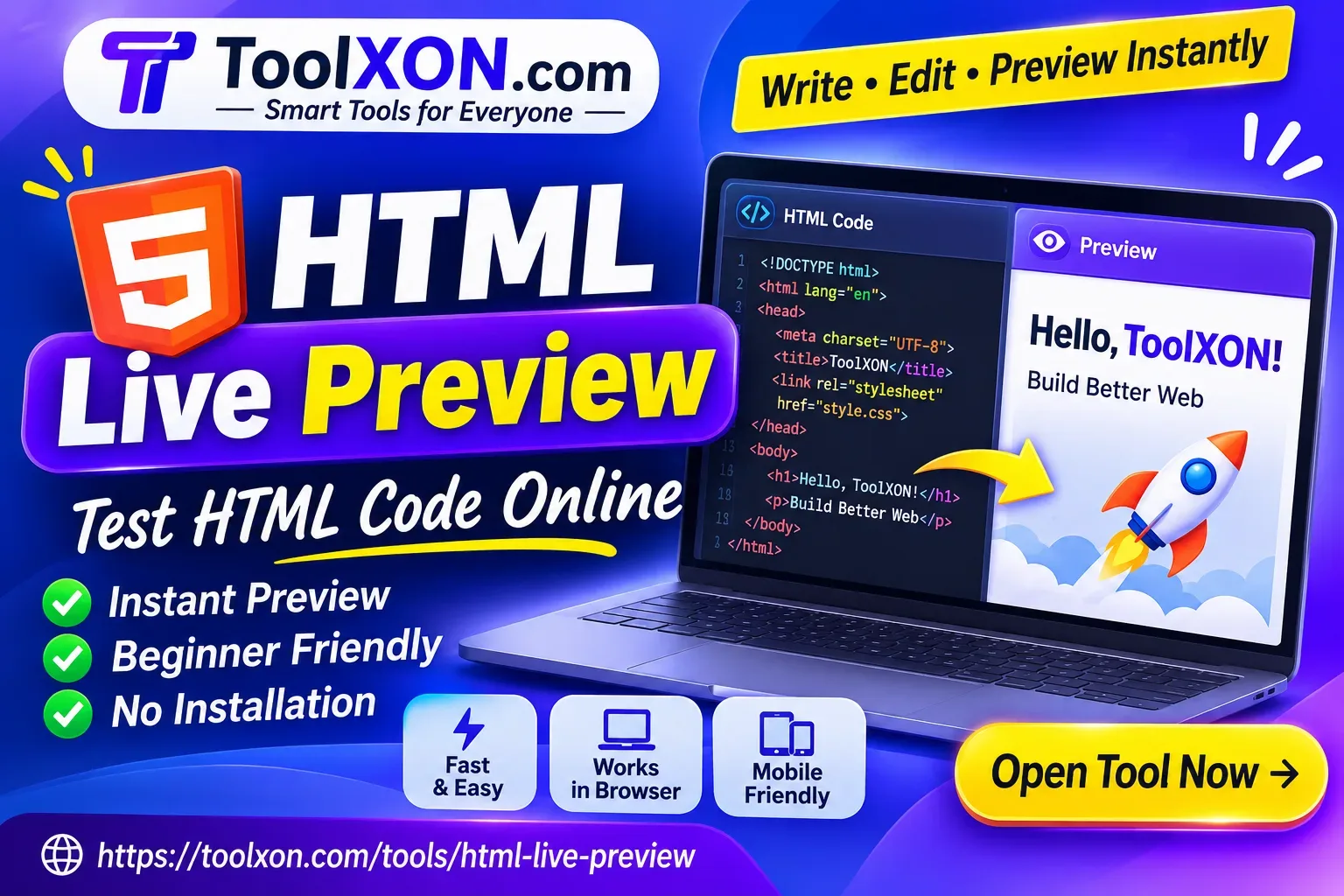
Write HTML, see your changes instantly, and experiment with web designs directly in your browser. No complicated setup required.
Open HTML Live Preview →Introduction
HTML Live Preview makes it easier to write HTML code and see how it looks without repeatedly saving files or opening a separate browser window. Whether you are learning web development, building a simple webpage, or testing a new design, seeing the result immediately can save valuable time.
Instead of guessing how your markup will appear, you can edit your code and check the output as you work. This is particularly useful when experimenting with headings, buttons, layouts, text formatting, and other webpage elements. An online HTML preview tool also helps beginners understand the connection between HTML code and the actual webpage.
ToolXON's HTML Live Preview is a convenient option for testing HTML directly in your browser. You can explore your markup, make adjustments, and check the results without installing a desktop editor just to try a small piece of code.
Table of Contents
1. Features of HTML Live Preview 2. How to Preview HTML Online 3. Who Can Use This Tool? 4. Why Use an Online HTML Editor? 5. Related ToolXON Tools 6. Frequently Asked QuestionsFeatures of HTML Live Preview
A good HTML preview online tool should make testing simple. Here are some practical reasons to use this tool:
- Instant visual feedback: Check how your HTML markup appears while editing.
- Beginner-friendly: Experiment with basic HTML without setting up a development environment.
- Quick testing: Try headings, paragraphs, links, lists, and webpage structures.
- Browser-based access: Work online without installing a separate desktop application.
- Faster experimentation: Adjust your code and compare the results as you develop.
How to Preview HTML Code Online
Getting started is straightforward. Follow these steps:
- Open the ToolXON HTML Live Preview page.
- Enter or paste your HTML code into the editor.
- Check the preview area to see the rendered webpage.
- Make changes to your markup whenever necessary.
- Review the updated output and refine your design.
This simple workflow is helpful when testing small HTML projects, learning markup, or checking individual webpage components.
Who Should Use an HTML Live Editor?
This online HTML editor can be useful for different types of users:
- Students: Practise HTML and understand webpage structures.
- Beginners: Learn how different HTML elements work.
- Web designers: Quickly test basic markup and layout ideas.
- Blogger users: Experiment with HTML snippets before adding them to a website.
- Developers: Preview small code examples without opening a full development project.
Why Choose an Online HTML Preview Tool?
Installing a complete code editor is not always necessary for testing a few lines of HTML. An online HTML playground provides a convenient way to experiment, especially when you are working from a mobile device or another computer.
However, remember that a live preview is mainly intended for testing and learning. Complex websites may still require a full development environment, proper debugging, and testing across different browsers and screen sizes.
Frequently Asked Questions
HTML Live Preview is an online tool that lets you write or edit HTML code and view its rendered output in a browser.
You can use the ToolXON HTML Live Preview page to test HTML code online without installing a desktop editor.
No separate desktop installation is needed to use a browser-based HTML preview tool.
Yes. Beginners can use it to practise HTML elements and understand how code becomes a visible webpage.
You can open the tool in a mobile browser. The editing experience may depend on your device and screen size.
Not entirely. It is useful for quick testing and learning, while larger development projects may need a full-featured code editor.
Ready to Test Your HTML Code?
Stop guessing how your markup will look. Open the ToolXON HTML Live Preview and start experimenting with your code.
Try HTML Live Preview Now →Explore more useful tools at ToolXON.com