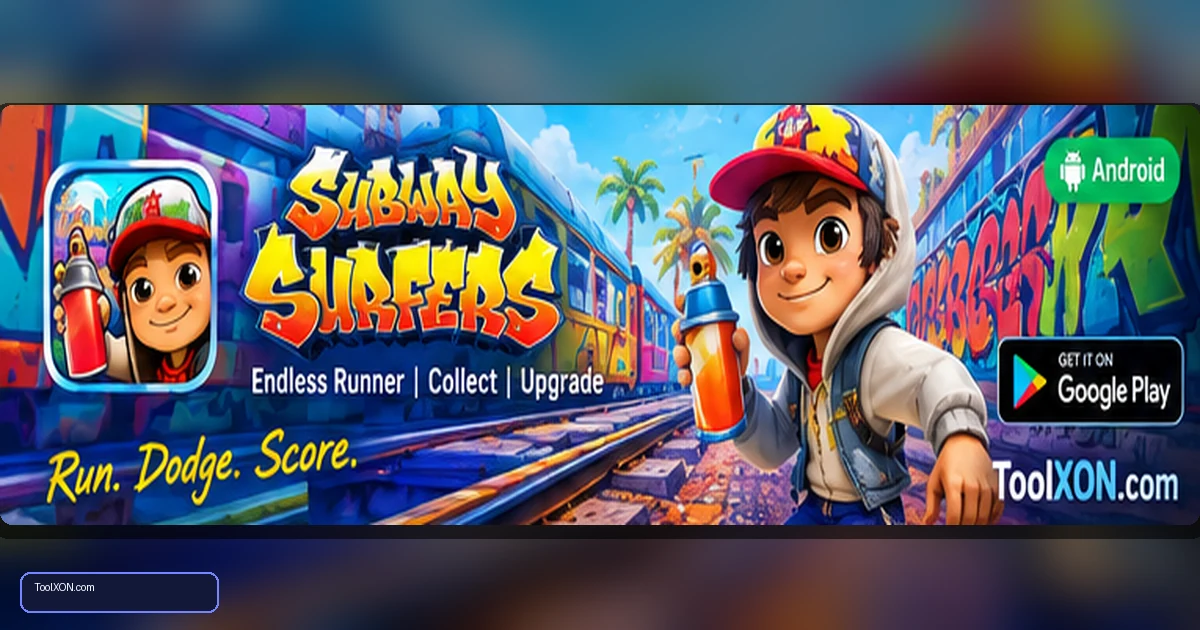
Download Subway Surfers for Android from the official Google Play Store listing by SYBO Games. This colourful endless runner centres on quick swipes: run along the tracks, dodge trains and barriers, collect coins and use power-ups to keep a run going. The controls are easy to learn, but staying alive for a high score takes anticipation and fast reactions. Boards, characters and themed events give returning players new goals to chase. It is a good pick for short sessions when you want action without learning a complicated control scheme. Before installation, check the Play Store listing for current compatibility and available storage. Events and online features may use a connection, and the app can include ads and optional in-app purchases.
People Also Search For
Game type: Android game
Before installing: Check current availability, compatibility, storage and in-app purchase details on Google Play.
Open Subway Surfers on Google Play ↗
What you do in Subway Surfers
The basic goal is to travel as far as possible while avoiding obstacles and collecting useful items. Swipe between lanes, jump over barriers and roll beneath overhead hazards. Power-ups can help gather coins or extend a run, while hoverboards provide another chance when a run goes wrong. Rotating locations and events can refresh the look of the game.
- Simple swipe-based movement for mobile screens.
- Coin collecting, missions and score challenges.
- Unlockable characters, boards and visual items.
- Seasonal content and themed environments that may change over time.
Download Subway Surfers safely
- Tap the official Google Play button in this article.
- Confirm the app title and SYBO Games publisher.
- Press Install and let the store finish the download.
- Launch the game and review any requested permissions.
- Use the in-game settings to adjust sound or other available preferences.
Beginner tips for higher scores
Look ahead rather than reacting only when a train is already close. Staying near the centre lane can give you more options, but move early when an obstacle blocks your route. Learn the timing of jumps and rolls, and use hoverboards when a section becomes risky or when you are trying to protect a strong run. Complete missions at a comfortable pace; chasing every coin can send you directly into an obstacle.
Ads, purchases and connectivity
The Google Play listing may show ads and optional in-app purchases. Avoid clicking suspicious external reward pop-ups and use the official app for purchases. Some core runs may work without a constant connection in certain circumstances, but events, rewards or other features can require connectivity. Check the current in-game behaviour rather than assuming every feature works offline.
Frequently Asked Questions
Is Subway Surfers free to download?
Yes, it is free to install from the official listing, with ads and optional in-app purchases.
Is Subway Surfers difficult to learn?
The swipe controls are simple, but longer runs require practice with timing and obstacle patterns.
Can it be played offline?
Some gameplay may be available without a connection, but online events and certain features may require internet access.
Related Guides
- Download Roblox for Android: Official Play Store Guide
- Download Asphalt Legends for Android: Racing Game
Official download reminder: Use the Google Play Store listing for Download Subway Surfers for Android to verify availability, publisher and current device compatibility. Avoid unofficial APKs and modified versions.