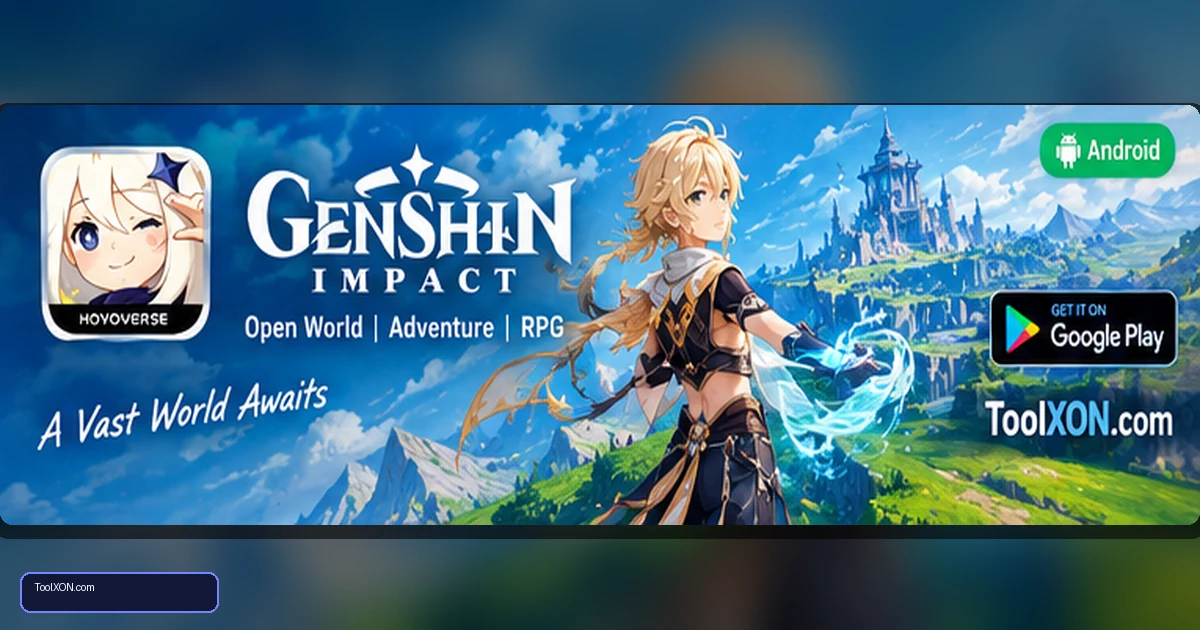
Download Genshin Impact for Android from the official Google Play Store listing published by COGNOSPHERE. This open-world action RPG invites players to explore Teyvat, solve puzzles, complete quests and build a team of characters with different elemental abilities. Combat is based on movement, timing and switching characters to combine skills, while exploration rewards curiosity with hidden routes, materials and story encounters. The world is detailed and the game receives regular content updates, so storage requirements and device compatibility should be checked before installing. It is a better fit for phones with enough free space and sustained performance headroom than for devices that already struggle with demanding 3D games. Use the official store listing, download updates over a stable connection and check purchase details before buying optional items.
People Also Search For
Game type: Android game
Before installing: Check current availability, compatibility, storage and in-app purchase details on Google Play.
Open Genshin Impact on Google Play ↗
Genshin Impact gameplay and world
Genshin Impact mixes exploration, action combat, story quests and character progression. You can climb, glide and travel through varied environments while collecting materials and unlocking new areas. Elemental interactions encourage players to switch between characters rather than rely on a single attack. Multiplayer co-op is available for supported activities, but much of the story and exploration is experienced individually.
- Explore a large fantasy world with quests and puzzles.
- Build a team with different weapons and elemental abilities.
- Collect resources and improve characters over time.
- Receive new events and story content through updates.
Install from the official Play Store
- Open the Google Play link below and verify the listing and publisher.
- Read the current device compatibility and storage notes carefully.
- Tap Install and keep additional free space available for in-game resources.
- Use a stable Wi-Fi connection to reduce interruptions during large updates.
- Start with moderate graphics settings and adjust based on temperature and frame consistency.
Android performance and storage tips
Because the game uses detailed 3D environments, performance varies significantly across phones. Close unnecessary apps, avoid downloading large updates over an unstable connection and keep enough free storage for patches. If the phone heats up or frame rate drops, reduce graphics quality, shadows or rendering settings where available. Take breaks during long sessions and avoid using unofficial “performance booster” or modified game apps, which may introduce security risks.
Accounts, gacha systems and purchases
The game offers optional purchases and randomised character or item acquisition systems. Decide on a budget before buying, and remember that a specific character is not guaranteed unless the current in-game rules say otherwise. Protect your account details, use official account-linking and recovery methods, and never give verification codes to someone claiming they can provide free currency.
Frequently Asked Questions
Is Genshin Impact free on Android?
It is free to install and play, with optional in-app purchases.
Does Genshin Impact need a powerful phone?
It is a demanding 3D game. Check the current Play Store compatibility information and allow enough free storage; real-world performance varies by device.
Can I play it without internet?
The core game requires an internet connection for its services and gameplay systems.
Related Guides
Official download reminder: Use the Google Play Store listing for Download Genshin Impact for Android to verify availability, publisher and current device compatibility. Avoid unofficial APKs and modified versions.