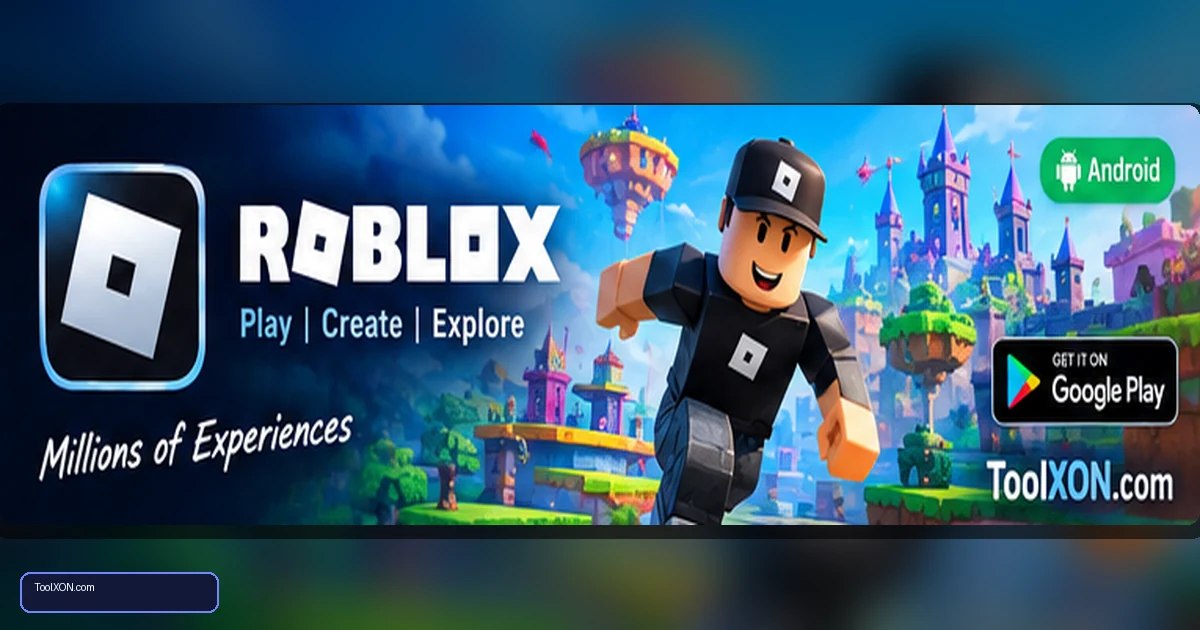
Download Roblox for Android from the official Google Play Store listing published by Roblox Corporation. Roblox is a platform rather than a single game: it hosts a large collection of user-created experiences, from role-playing and obstacle courses to racing, building and competitive action. The range is one of its biggest strengths, because players can try different styles without installing a separate app for every experience. Individual experiences can have their own controls, rules and performance needs, so quality and suitability vary. Before getting started, review the platform's account and privacy settings, especially on a shared family device. Use the official app listing, keep the app updated and make sure children understand how to report or block unwanted interactions.
People Also Search For
Game type: Android game
Before installing: Check current availability, compatibility, storage and in-app purchase details on Google Play.
Why Roblox offers many types of games
Roblox hosts experiences made by creators, so the available genres are broader than a traditional single-title game. You can search for role-play worlds, simulators, racing games, obstacle challenges and cooperative adventures. Some experiences are designed for quick sessions; others have progression systems or large multiplayer spaces.
- A broad library of user-created experiences.
- Avatar customisation and items available through the platform.
- Multiplayer play with friends and other users.
- Creator tools are available separately on supported desktop platforms.
Install Roblox on Android
- Open the official Roblox listing on Google Play using the button below.
- Verify that Roblox Corporation is listed as the publisher.
- Tap Install and open the app when ready.
- Sign in to an existing account or follow the official account-creation flow.
- Choose an experience and check its description, content and permissions before playing.
Account safety and parental controls
Because many experiences are created by users, it is important to manage communication and privacy settings. Use a unique password and never share login codes. Parents and guardians should review age-appropriate account settings, spending controls, chat options and the platform’s current safety tools together with their child. Report or block users who behave inappropriately, and avoid clicking off-platform links promising free currency or rare items.
Performance and purchases
Experiences can vary greatly in complexity, so performance in one Roblox game does not guarantee the same frame rate in another. Close background apps, use a stable connection and lower available graphics settings when needed. Roblox includes optional purchases and virtual currency features; check the account’s spending permissions and confirm the amount before approving a transaction.
Frequently Asked Questions
Is Roblox one game?
No. Roblox is a platform that contains many experiences made by developers and creators.
Is Roblox free on Android?
The app is free to install and many experiences are free to play, but optional purchases may be offered.
Is Roblox safe for children?
Safety depends partly on the experience and account settings. Review current parental controls, communication settings and spending limits, and supervise use according to the child’s age.
Related Guides
Official download reminder: Use the Google Play Store listing for Download Roblox for Android to verify availability, publisher and current device compatibility. Avoid unofficial APKs and modified versions.