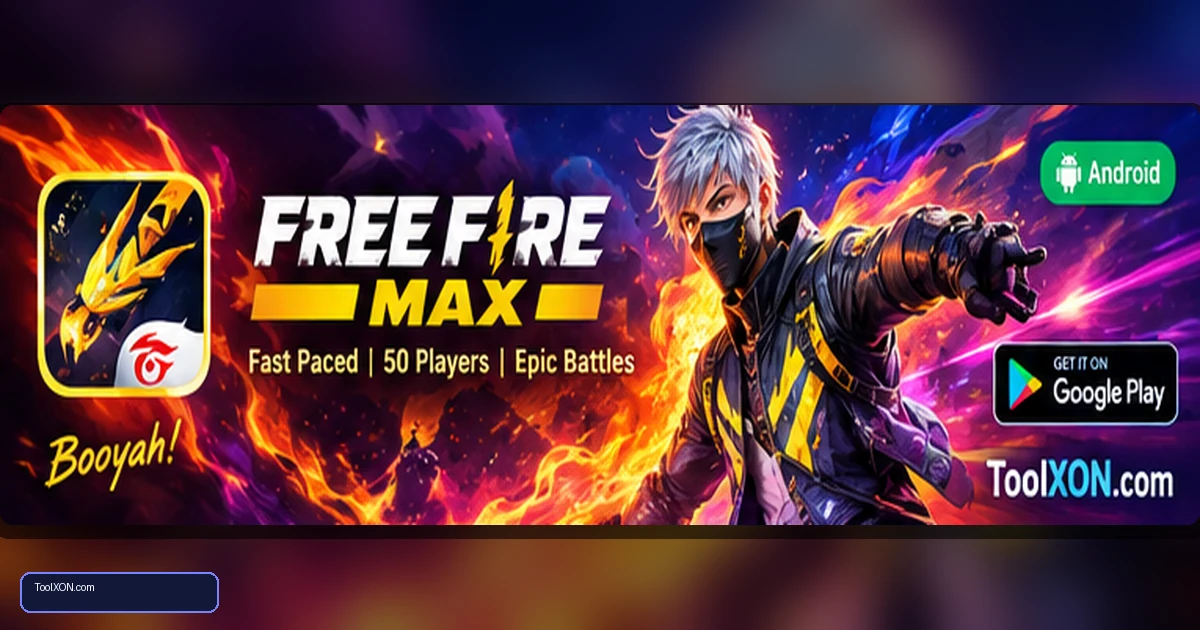
Download Free Fire MAX for Android through its official Google Play Store listing to make sure you install the publisher-provided app. The game focuses on quick battle royale rounds, accessible controls, character abilities and squad coordination. Its enhanced visual presentation is designed to make the action feel more detailed, although the exact experience depends on your phone and chosen graphics settings. Events, rewards and themed modes rotate over time, so check the current listing and in-game notices for the latest information. Before you install, confirm the app is compatible with your device, make room for future updates and use a stable connection for downloads. Avoid modified APK files and unofficial reward generators that may put your account or phone at risk.
People Also Search For
Game type: Android game
Before installing: Check current availability, compatibility, storage and in-app purchase details on Google Play.
Open Free Fire MAX on Google Play ↗
Free Fire MAX gameplay highlights
Free Fire MAX is a fast-paced survival shooter where players search for equipment, avoid the shrinking play area and try to outlast other competitors. The game also offers squad-based modes that reward communication and quick decisions. Character skills and loadout choices can influence a match, but awareness and positioning remain important.
- Short battle royale sessions suited to quick mobile play.
- Squad play and team communication options.
- Character abilities, cosmetic collections and changing events.
- Adjustable graphics options to help balance visuals and performance.
How to download Free Fire MAX
- Tap the official Google Play button in this post.
- Check the publisher name, age rating and current permissions.
- Press Install and wait for the initial download to finish.
- Open the game and allow required resources to update over a reliable connection.
- Adjust graphics and controls in the settings before joining a ranked match.
Practical tips for new players
Use the first few matches to learn the movement controls and the locations of common supplies. Avoid running across open ground for too long, and rotate toward the safe zone before the timer becomes urgent. When playing with friends, agree on a landing area and stick close enough to support one another. Try one graphics setting at a time; lowering effects can sometimes improve consistency on a less powerful phone, but results vary by device.
Purchases, permissions and account security
The game includes optional in-app purchases and online features. Check purchase authentication if children or other family members use the device. Never provide login codes to strangers, and avoid unofficial top-up pages that promise unrealistic discounts. The Play Store listing is the best place to check current compatibility, developer information and installation status for your region.
Frequently Asked Questions
Is Free Fire MAX free?
It is free to install through the official listing and offers optional in-app purchases.
Is Free Fire MAX the same as the standard Free Fire app?
They are related Garena games, but their app listings and visual features differ. Check that you are opening the Free Fire MAX listing before installing.
Why does the game lag on my phone?
Lag can come from network quality, device performance, heat, background apps or graphics settings. Test on a stable connection and lower graphics gradually if needed.
Related Guides
Official download reminder: Use the Google Play Store listing for Download Free Fire MAX for Android to verify availability, publisher and current device compatibility. Avoid unofficial APKs and modified versions.