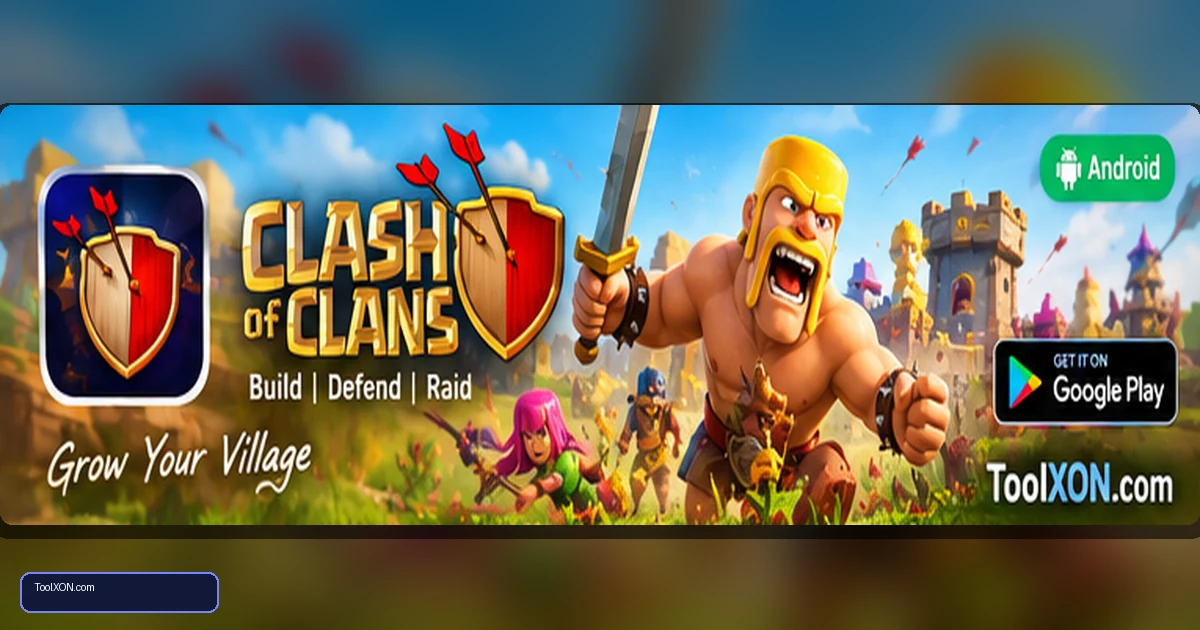
Download Clash of Clans for Android from the official Google Play Store listing published by Supercell. Instead of relying on reflexes alone, the game asks you to build a village, manage resources, upgrade defences and train an army. Attacking other bases is only one part of the loop: a strong layout and steady upgrades matter when other players visit your village. Joining a clan can unlock cooperative activities and give you a way to share strategies with other players. Progress is built over time, so it is well suited to short check-ins as well as longer planning sessions. Before installing, confirm the listing on Google Play, make sure your device has room for updates and remember that the game includes optional purchases.
People Also Search For
Game type: Android game
Before installing: Check current availability, compatibility, storage and in-app purchase details on Google Play.
Open Clash of Clans on Google Play ↗
How Clash of Clans works
You begin with a small village and gradually unlock buildings, troops, spells and defensive options. Resources help pay for improvements, while builders and upgrade timers influence how quickly you can progress. Successful attacks depend on understanding the target base, choosing a sensible army composition and placing troops in the right order.
- Design and upgrade a village with defensive buildings.
- Train troops and experiment with different attack strategies.
- Join a clan for social play and clan-based activities.
- Progress through upgrades, challenges and seasonal events.
Install the official Android version
- Open the official Google Play page linked below.
- Check that Supercell is shown as the publisher.
- Tap Install and wait for setup to complete.
- Open the game and follow its initial tutorial.
- Set up or connect your supported account-recovery option so your progress is easier to restore if you change phones.
Tips for a stronger village
At the beginning, avoid upgrading every building randomly. Keep resource collectors and storage balanced with the defensive buildings available at your level. Learn what each troop does before spending resources on every upgrade. When attacking, scout the base first and look for openings rather than dropping the entire army in one spot. Clanmates can often explain mechanics that are confusing at first, but compare advice with the current in-game rules because balance changes can alter popular strategies.
Purchases and account protection
Clash of Clans is free to install and includes optional in-app purchases. Progress can take time, so do not feel pressured to buy items to keep up with other players. Use the platform’s purchase authentication and never share verification codes or recovery details. Download only from the official store and be cautious of websites claiming to sell free gems or guaranteed account upgrades.
Frequently Asked Questions
Is Clash of Clans free to play?
Yes, it is free to install, with optional in-app purchases.
Can I play with friends?
You can join clans and take part in supported clan activities. Specific features and rules may change with updates.
Will I keep my village if I change phones?
Use the game’s supported account and recovery options and follow the current Supercell instructions before switching devices.
Related Guides
Official download reminder: Use the Google Play Store listing for Download Clash of Clans for Android to verify availability, publisher and current device compatibility. Avoid unofficial APKs and modified versions.