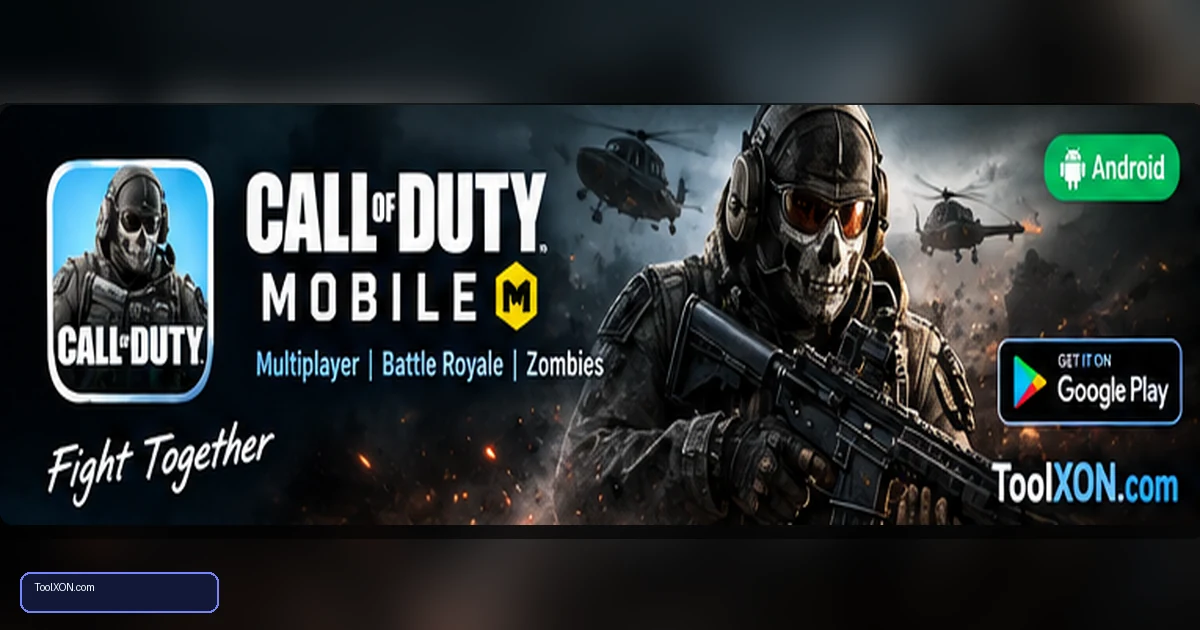
Download Call of Duty: Mobile for Android from the official Google Play Store page to get the version published by Activision. This mobile shooter brings together competitive multiplayer matches, battle royale gameplay and ranked modes, with maps, loadouts and events that evolve through updates. It offers more than one way to play: you can practise short team fights, experiment with equipment or join a larger survival match. The game also downloads optional resources such as maps and HD content, so installation size may grow after the first launch. Check available storage before installing, use Wi-Fi for large downloads and review device compatibility on the Play Store page. A reliable network and control layout suited to your hands can make a noticeable difference to comfort during longer sessions.
People Also Search For
Game type: Android game
Before installing: Check current availability, compatibility, storage and in-app purchase details on Google Play.
Open Call of Duty: Mobile on Google Play ↗
Main game modes and features
Call of Duty: Mobile is designed for players who enjoy quick first-person action as well as longer tactical rounds. Multiplayer supports objective-focused and elimination-style matches, while battle royale offers a broader map and survival-based decisions. Ranked play adds a competitive progression layer, and seasonal updates may add events, equipment or other content.
- Team-based online multiplayer modes.
- Battle royale gameplay and ranked competition.
- Weapon loadouts, operator cosmetics and progression.
- Optional downloadable maps and higher-quality resources.
Official installation steps
- Open the Call of Duty: Mobile Play Store listing using the button below.
- Verify that the publisher and app title match the official listing.
- Tap Install and wait for the main app package to finish downloading.
- Launch the game on Wi-Fi and download the maps or resource packs you need.
- Review graphics, sensitivity, audio and control layout before entering a ranked match.
Settings that help new players
Begin with a comfortable sensitivity rather than copying a professional player’s exact numbers. Keep essential buttons within easy reach and practise movement, aiming and reloading in a low-pressure mode. If frame pacing is uneven, reduce graphics effects before making major changes to other phone settings. Close downloads and streaming apps while playing, and avoid playing when the device is very hot. Better settings can improve comfort, but they cannot overcome every hardware or network limitation.
Storage and online safety
Because maps and other resources can be downloaded separately, the total storage footprint changes over time. Check in-game download options and remove only content the game allows you to manage. Use a strong, unique password on the connected account, never buy accounts from strangers and do not install mod menus or cheats. Such tools can compromise your device and risk account penalties. Optional in-app purchases may be available; secure the device’s payment settings before playing on a shared phone.
Frequently Asked Questions
Does Call of Duty: Mobile need internet?
Yes. Its core multiplayer and battle royale modes require an internet connection.
Why does it download more files after installation?
The game may offer additional maps, HD resources and other content separately so players can manage parts of the download.
Can I play it on a low-end Android phone?
Compatibility and performance depend on the device and current game version. Check the official Play Store listing and lower graphics options if the game runs poorly.
Related Guides
- Download BGMI for Android: Features & Official Link
- Download Free Fire MAX for Android: Official Guide
- Download Asphalt Legends for Android: Racing Game
Official download reminder: Use the Google Play Store listing for Download Call of Duty to verify availability, publisher and current device compatibility. Avoid unofficial APKs and modified versions.