Binary / Decimal / Hex Converter
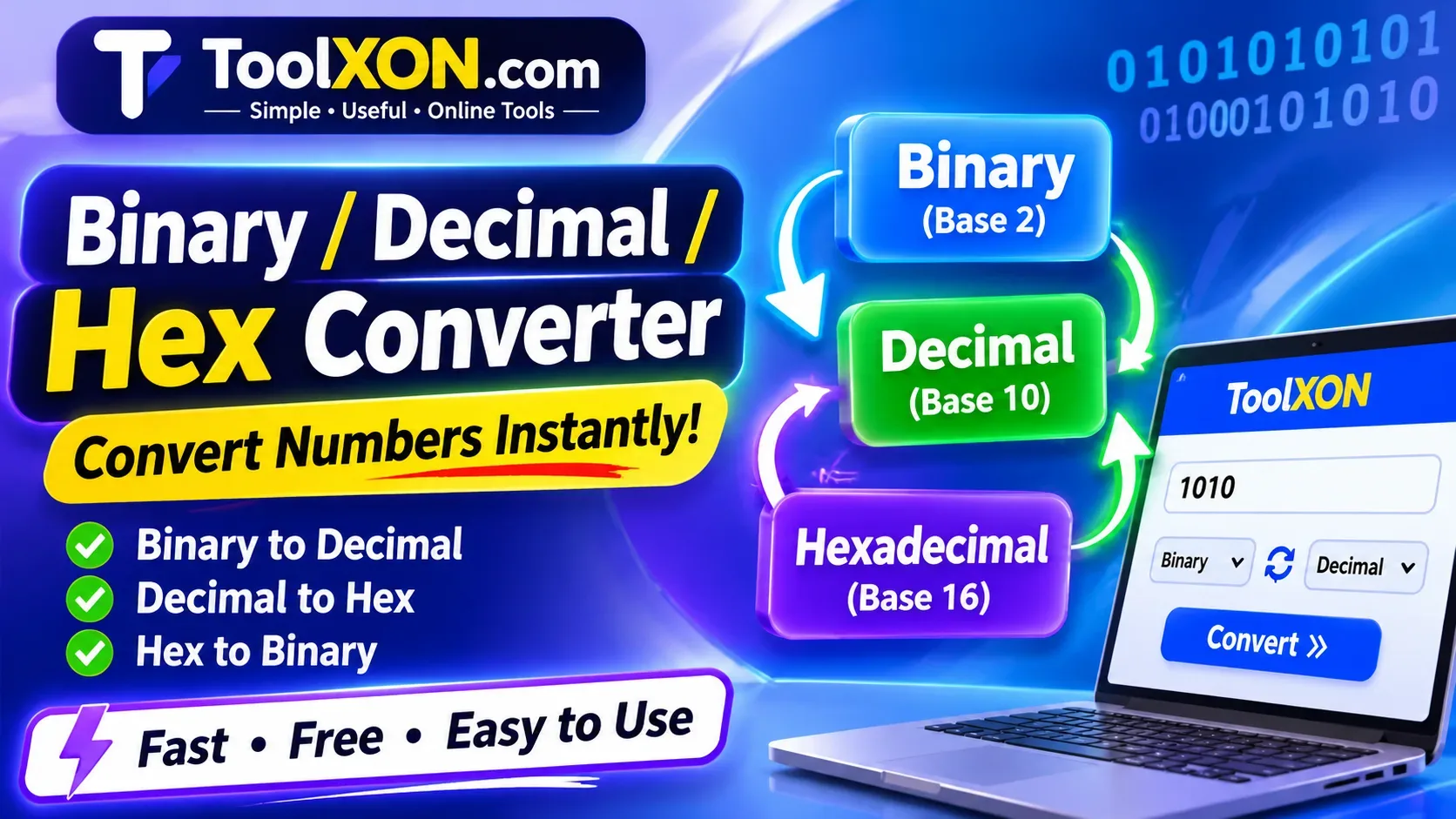
Binary / Decimal / Hex Converter makes it easy to change numbers between binary, decimal, and hexadecimal formats without doing complicated calculations manually. Whether you are learning computer science, working with programming code, or checking numerical values, this free online tool can save time and reduce conversion mistakes.
Different number systems are used in computing for different purposes. Binary uses only two digits, decimal is the familiar everyday number system, and hexadecimal provides a shorter way to represent large binary values. However, switching between these formats by hand can become confusing, especially when working with longer numbers. With the ToolXON converter, you can quickly convert a value into another number base and get the result in seconds.
Simply enter your number, select the required conversion format, and let the tool handle the calculation. No complicated setup or additional software is needed.
Table of Contents
Understanding Binary, Decimal and Hexadecimal
Each number system uses a different base to represent numerical values. Understanding these basics makes number conversion much easier.
1. Binary (Base 2)
Binary uses only two digits: 0 and 1. Computers use binary internally to represent and process digital information.
2. Decimal (Base 10)
Decimal is the standard number system used in everyday life. It contains ten digits, from 0 to 9.
3. Hexadecimal (Base 16)
Hexadecimal uses sixteen symbols: 0–9 and A–F. It is commonly used in programming, memory addresses, and color codes.
Binary to Decimal, Hex and Other Conversions
A number base converter can handle several useful conversions. Depending on your task, you can switch between these formats:
- Binary to Decimal: Convert base-2 numbers into regular decimal values.
- Decimal to Binary: Represent ordinary numbers using only 0 and 1.
- Binary to Hex: Convert binary values into shorter hexadecimal representations.
- Hex to Decimal: Change hexadecimal numbers into base-10 values.
- Hex to Binary: Convert hexadecimal digits into binary equivalents.
- Decimal to Hex: Represent decimal numbers using hexadecimal notation.
How to Use the Binary / Decimal / Hex Converter
You do not need advanced mathematical knowledge to use this online conversion calculator. Follow these simple steps:
- Open the ToolXON Number Base Converter.
- Enter the number you want to convert.
- Select the original number system.
- Choose the target number base.
- View the converted result.
- Copy the output for your programming, study, or other work.
Binary, Decimal and Hex Conversion Examples
Here are a few simple examples to help you understand how different number systems represent the same value.
| Decimal | Binary | Hexadecimal |
|---|---|---|
| 10 | 1010 | A |
| 15 | 1111 | F |
| 16 | 10000 | 10 |
| 25 | 11001 | 19 |
| 255 | 11111111 | FF |
Why Use an Online Number Base Converter?
Manual calculations are useful for learning, but they can take time when you need repeated conversions. An online binary to decimal converter or hexadecimal calculator provides a convenient alternative.
- Quickly convert numbers between different bases.
- Reduce manual calculation errors.
- Useful for students and programming beginners.
- Save time when checking binary and hexadecimal values.
- Access the tool directly from a web browser.
Frequently Asked Questions
1. What is a Binary / Decimal / Hex Converter?
It is an online calculator that converts numbers between binary (base 2), decimal (base 10), and hexadecimal (base 16).
2. How do I convert binary to decimal?
Enter your binary number into the converter, select binary as the input format, and choose decimal as the output format.
3. Can I convert decimal numbers to hexadecimal?
Yes. A decimal to hex converter changes base-10 numbers into hexadecimal values using digits 0–9 and letters A–F.
4. Why is hexadecimal used in programming?
Hexadecimal represents binary data in a more compact format, making values easier for developers to read and understand.
5. Is this number base converter free?
You can use the ToolXON online converter to perform number conversions directly in your browser.
Explore More Free ToolXON Tools
Convert Numbers Without the Hassle
Make binary, decimal, and hexadecimal conversions easier with the free ToolXON online converter. Try it whenever you need a quick and convenient number conversion.
Try Binary / Decimal / Hex Converter →ToolXON.com – Simple and Useful Online Tools.