Passport Photo Resizer for Online Forms
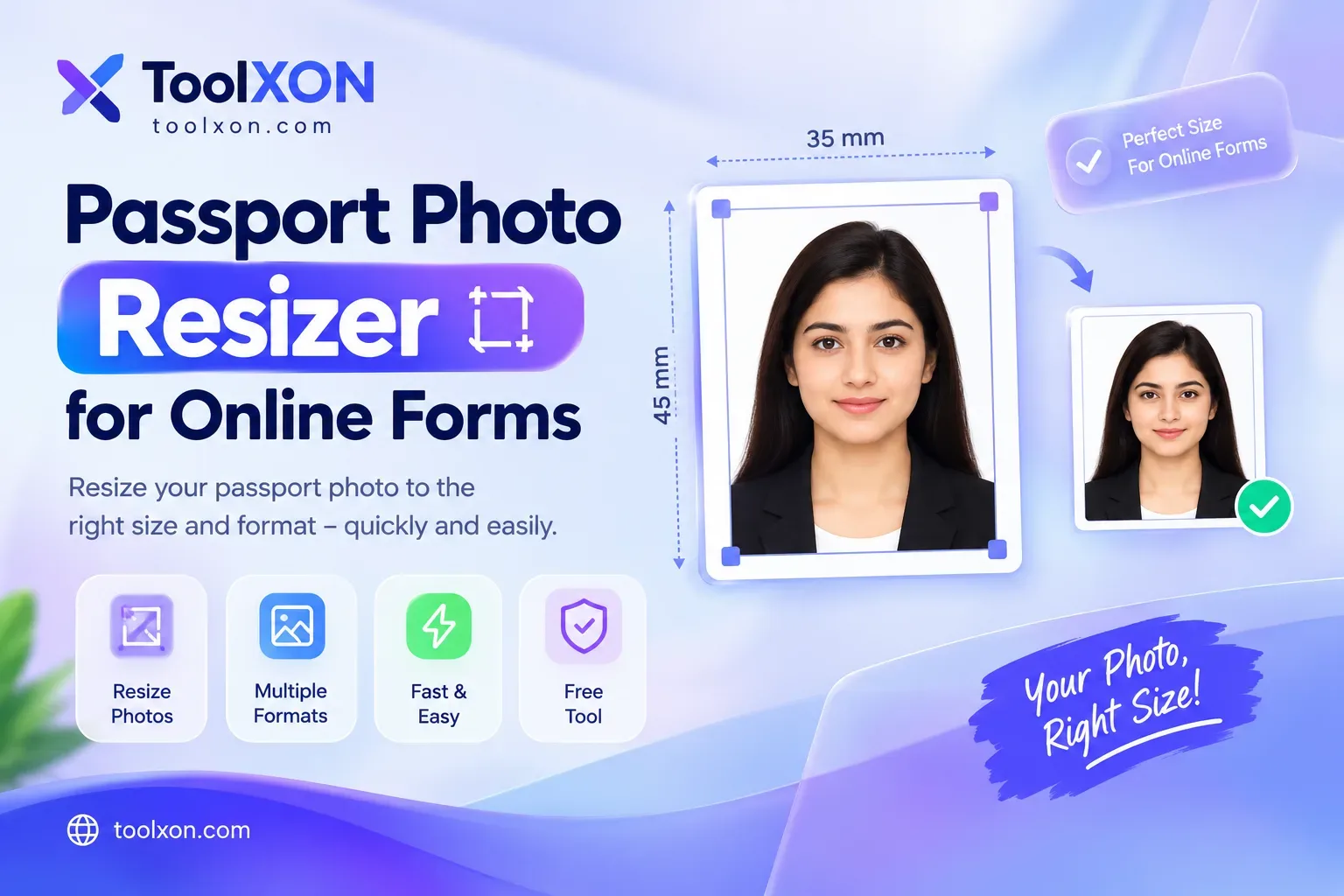
Passport Photo Resizer for Online Forms makes preparing a photograph for an online application easier. Whether you are applying for a passport, submitting a visa application, or completing a registration form, the image may need to meet specific size and file requirements. Even a clear photo can be rejected if its dimensions, framing, or background do not follow the official guidelines.
Instead of installing complicated editing software, you can use an online image resizer to adjust your photograph in a few simple steps. This is useful when an application requests a particular width, height, or image format. However, every authority may have different requirements, so check the official instructions before submitting your photo. Resizing can help prepare the image, but it cannot guarantee approval if other photo rules are not met.
How to Resize a Passport Photo Online
Passport Photo Size and Format Requirements
Passport photo dimensions vary by country, passport office, and visa service. Some applications also specify a maximum file size, image resolution, background colour, or accepted format. Therefore, follow the requirements for your particular application rather than relying on a universal passport photo size.
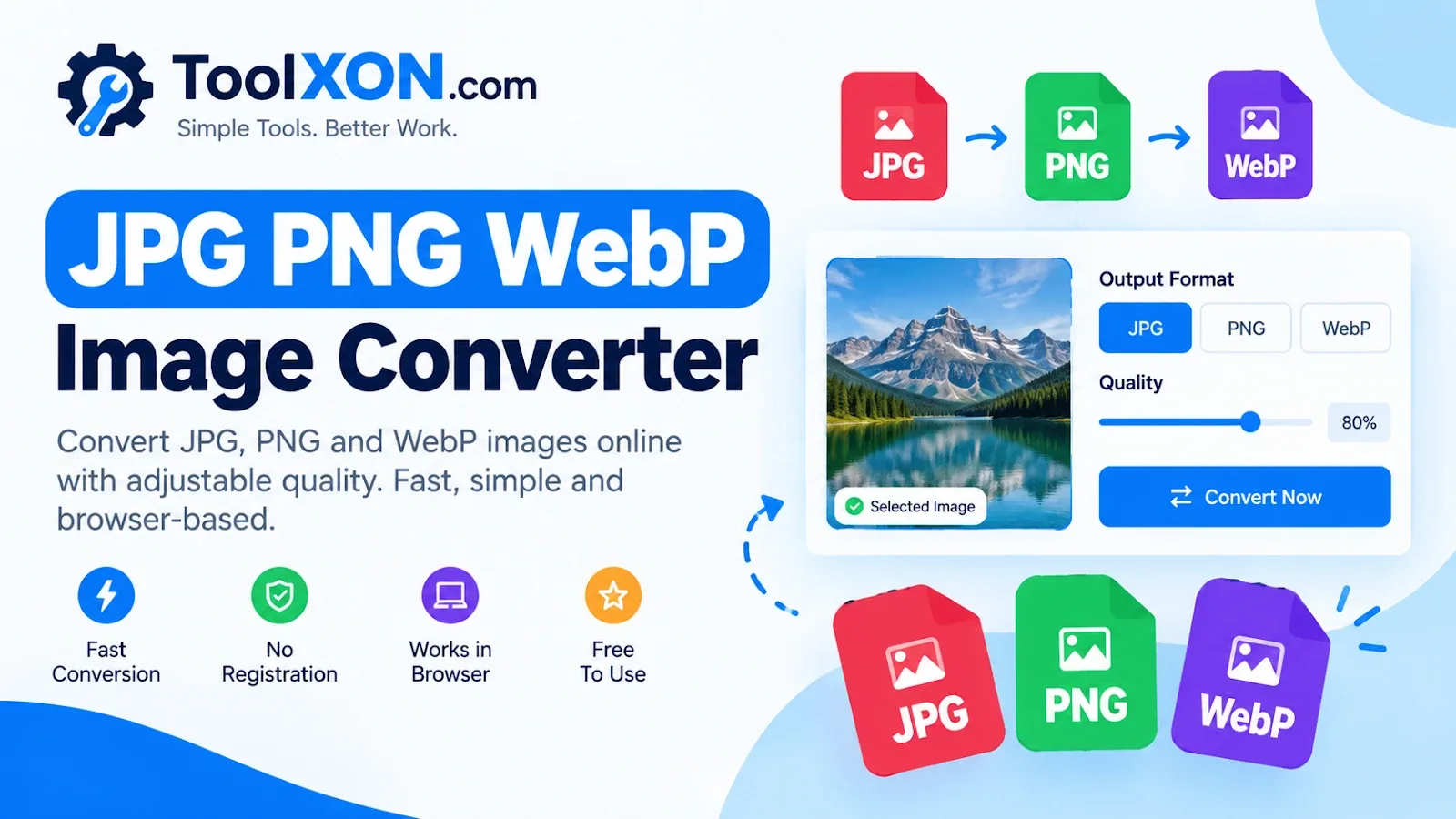
Need a different file format? Use the free JPG, PNG and WebP Image Converter to convert your supported image files.
People Also Search For
- Free online passport photo resizer
- Resize passport photo for visa application
- Passport size photo maker online
- Passport photo dimensions for online forms
- Compress passport photo for online upload
- Online passport photo cropper
Frequently Asked Questions
Can I resize a passport photo online for free?
You can use the ToolXON Image Resizer to adjust your image dimensions online.
What size should my passport photo be?
The required dimensions depend on the country and application. Always check the official photo specifications before uploading.
Does resizing guarantee passport photo approval?
No. The photograph must also meet the relevant requirements for background, framing, quality, and other applicable rules.
Can I convert my passport photo to JPG?
Yes. You can use the ToolXON Image Converter to convert supported image formats.
Prepare Your Photo Before Uploading
A properly resized photograph can make online applications easier to complete. Check the required dimensions, maintain good image quality, and confirm the official rules before submitting your file. With ToolXON's image tools, you can resize your photo and convert its format in just a few steps.