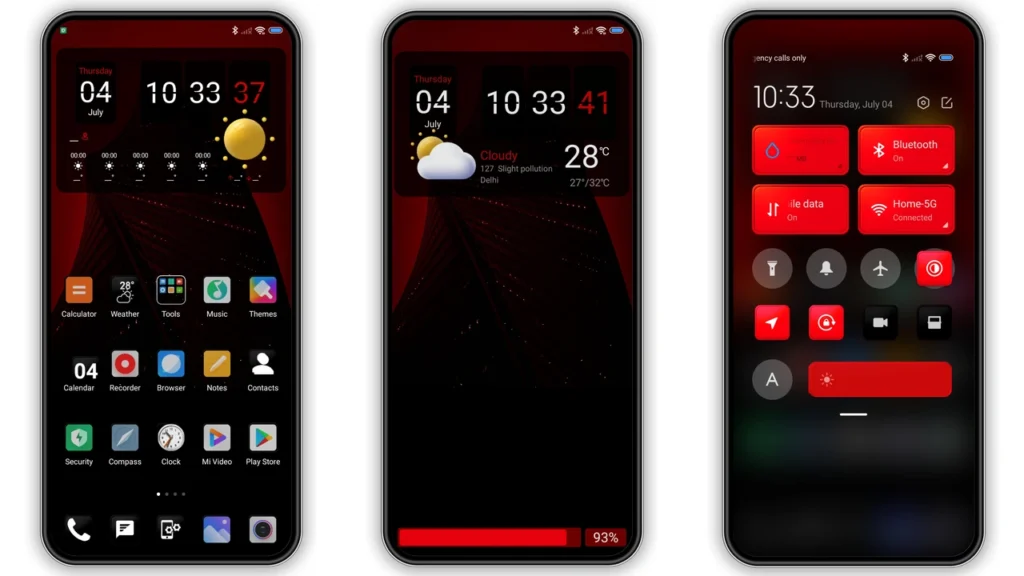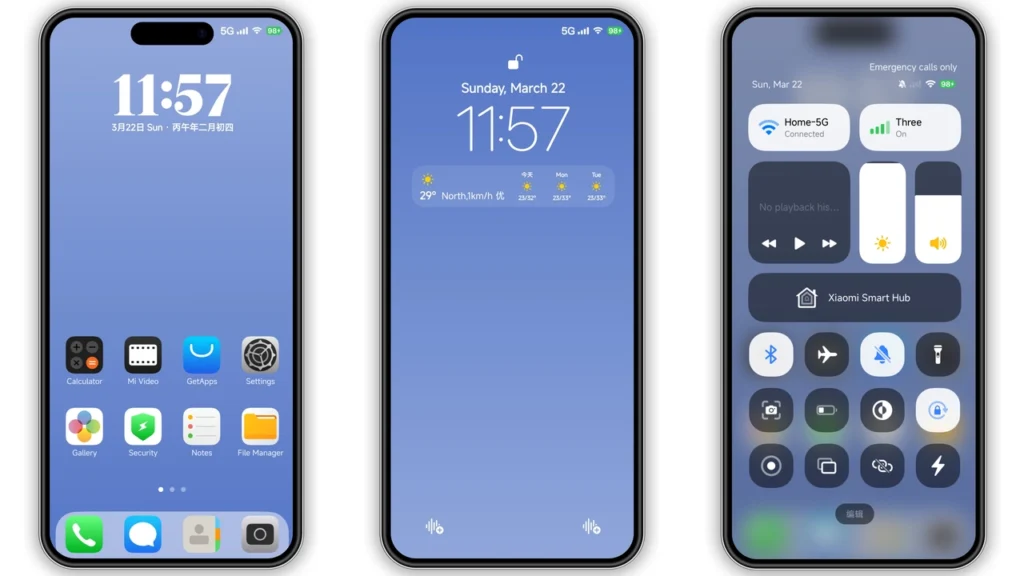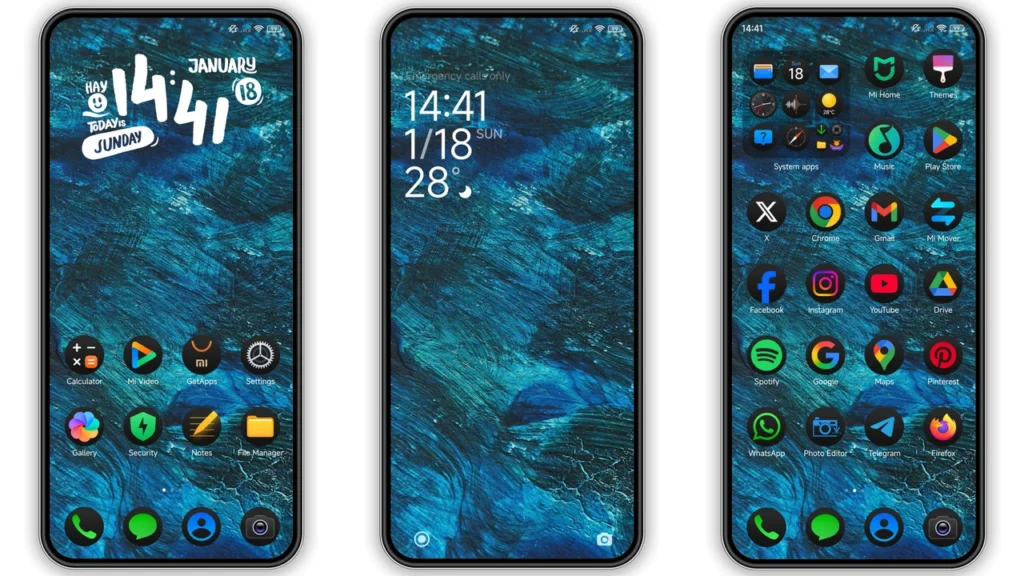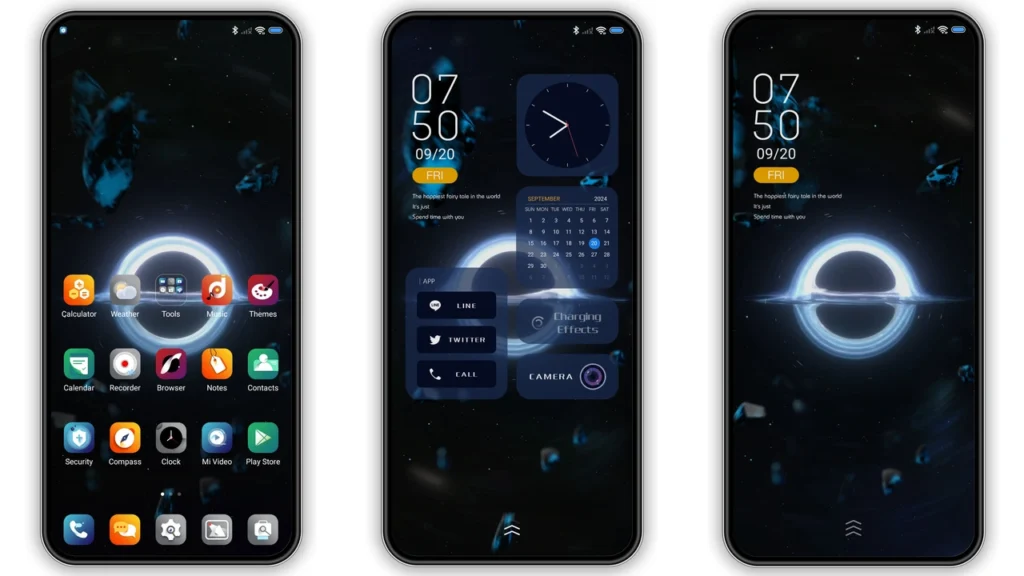
Black Hole HyperOS Theme is a published theme for Xiaomi devices. This guide brings together its listed design details, supported software versions and MTZ information so you can check whether it matches your phone before downloading. A space-inspired dark theme with a slide-up unlock method noted in its description. Compare your HyperOS version and region with the details below before applying it.
Black Hole Theme Details
| Theme Name | Black Hole |
|---|---|
| Designer | Luohong Technology |
| MTZ File Size | 18.23 MB |
| Region / Server | Global |
| Compatibility | HyperOS |
| Features | Black, Dynamic lock screen, Space |
| Format | .MTZ |
Black Hole HyperOS Theme Overview
A space-inspired dark theme with a slide-up unlock method noted in its description. The listed designer is Luohong Technology, and the package size is 18.23 MB. Its listed region is Global. These details help identify the intended package and distinguish it from similarly named themes.
Design and Features
The published feature list includes:
- Black.
- Dynamic lock screen.
- Space.
The final appearance may vary with phone model, screen size, system build and supported theme components. Some icons or system screens may remain unchanged.
Download Black Hole MTZ File
Use the ToolXON verification button below to continue. Before importing, check the downloaded file name and confirm that it is an MTZ package for Black Hole. The same ToolXON destination is used across this post series, so confirm that it serves the matching theme file before publishing.
Complete link verification to access the HyperOS Theme download.
How to Apply an MTZ File Using Theme Editor
On devices where local third-party theme installation is supported, the Theme Editor workflow may be used without browsing the online theme catalogue. The editor interface can differ by version, and this method is not guaranteed on every stock HyperOS build.
- Download the MTZ file and open File Manager → Downloads.
- Confirm that the file extension is .mtz. If it is inside a ZIP archive, extract it first; do not rename a ZIP file to MTZ.
- Open a trusted, compatible Theme Editor app already installed on your phone.
- Choose Browse and select the downloaded MTZ file.
- Tap Start, then follow the prompts using Next and Finish.
- If Android displays an installation confirmation, proceed only if you trust the app and package.
- Open the built-in Themes app, go to Profile / My Account → My Themes, select the imported theme and tap Apply, if it appears there.
Important: Theme Editor installation may be temporary or restricted by the system. Some stock Global ROM builds do not allow third-party MTZ imports. If the editor cannot process the file or the theme does not appear, stop rather than disabling security protections or installing unknown helper apps. On supported custom ROMs, a built-in Themes → My Account → Import option may be available instead.
Compatibility and Safety Notes
- Listed compatibility: HyperOS. This is not a guarantee for every device.
- Listed region/server: Global. Region restrictions may affect availability.
- Keep a copy of your current theme settings so you can revert if needed.
- Check that the downloaded file name and size match the details before importing.
- Do not grant unrelated permissions or disable Android security protections to force installation.
Frequently Asked Questions
What is the MTZ file size?
The listed package size is 18.23 MB.
Who designed Black Hole?
The listed designer is Luohong Technology.
Which region is listed?
Global.
Which systems are listed as compatible?
HyperOS.
Will Theme Editor work on every HyperOS phone?
No. Support depends on the device, region, system build and editor version. Do not force an unsupported installation.
Editorial note: Specifications are based on published theme listings available during research. Availability, file versions and compatibility can change. Xiaomi, HyperOS, Redmi and POCO are trademarks of their respective owners. This is an independent guide.