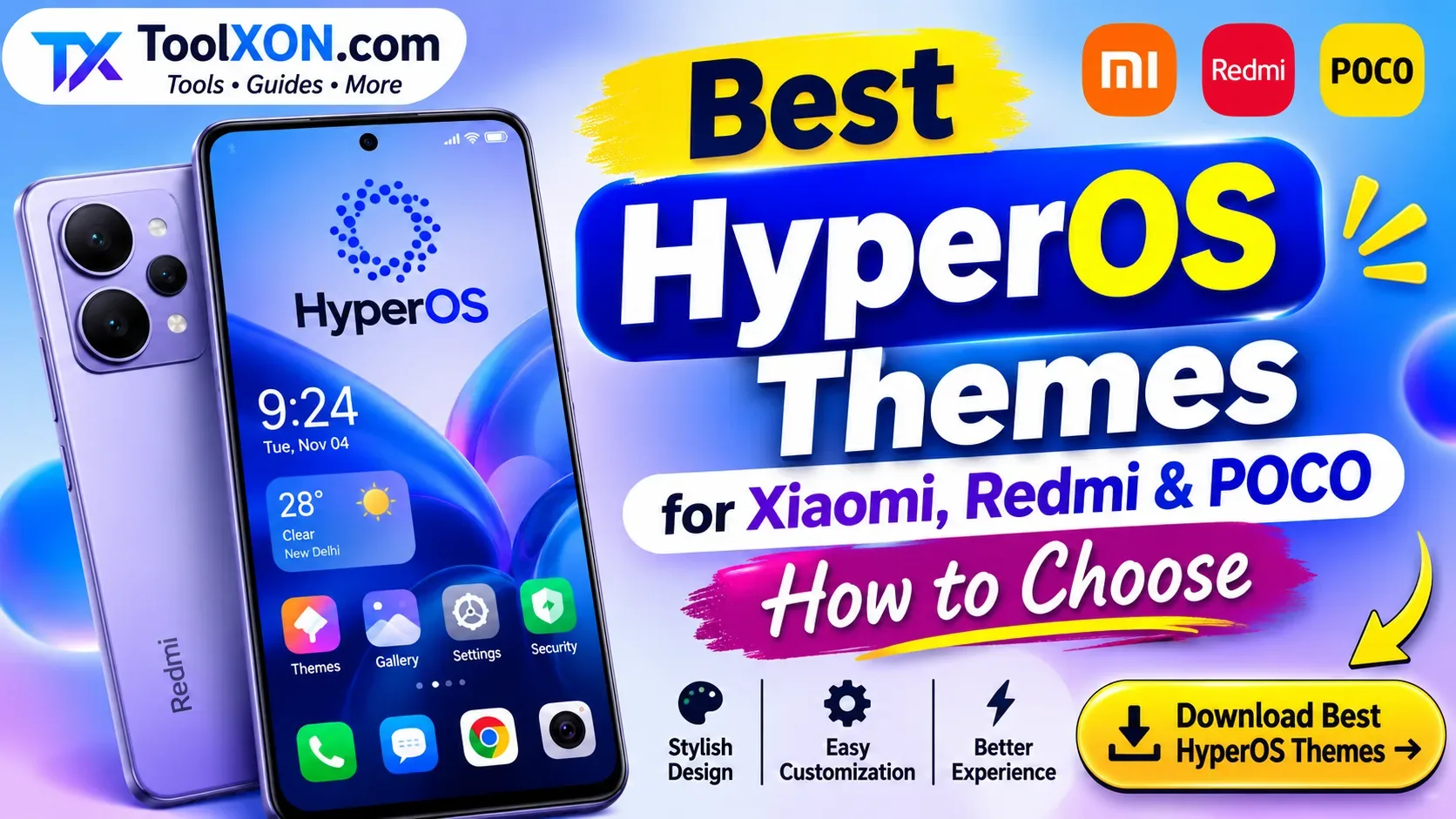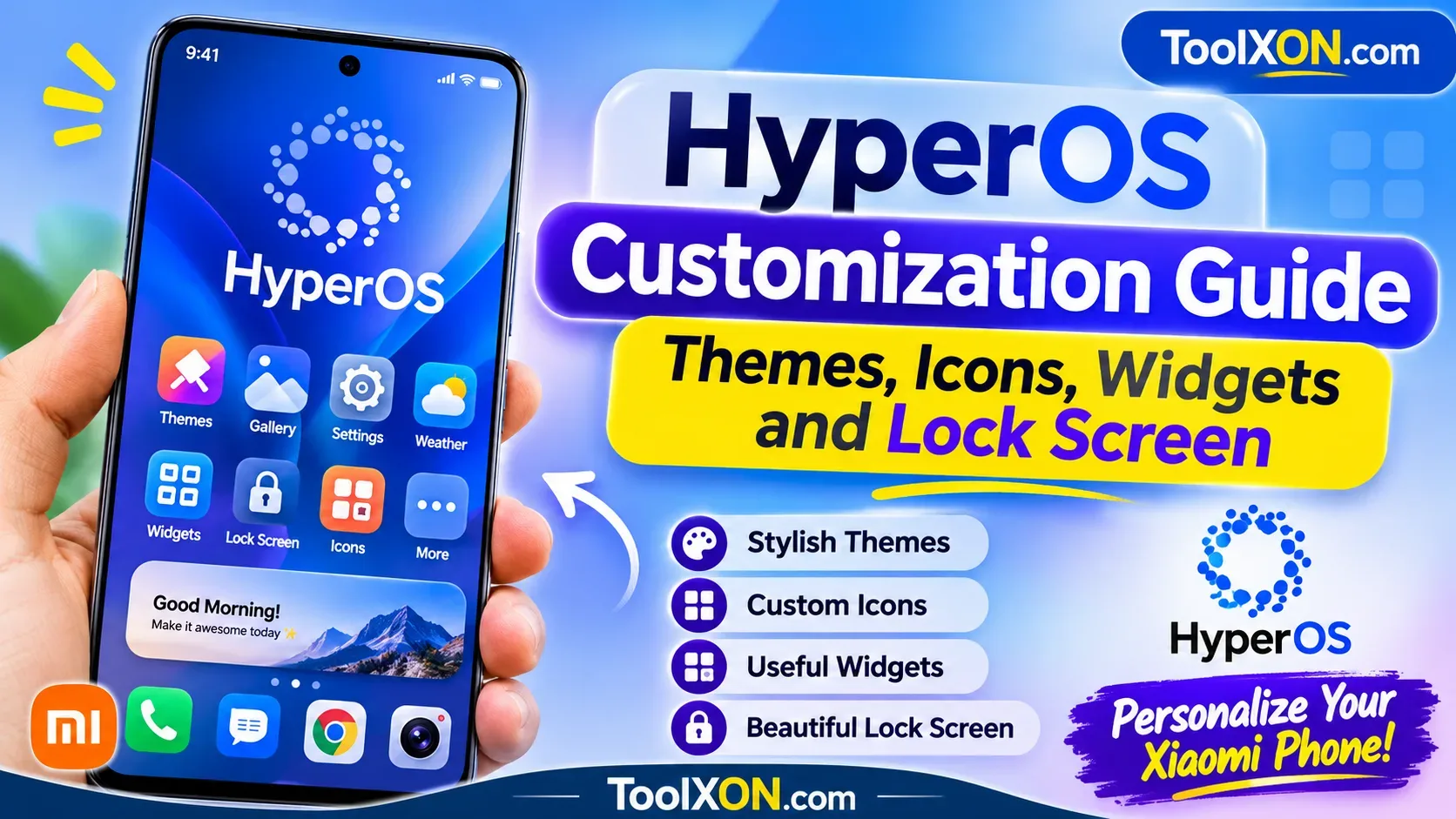
best HyperOS themes — A theme can change the look of a Xiaomi or Redmi phone without replacing the device. HyperOS theme availability and compatibility can vary by region, model and software version, so treat this list as a style guide rather than a guarantee that every named theme is available on every phone. Preview a theme before applying it.
1. Minimal clean themes
Minimal themes use restrained icons, simple colors and uncluttered layouts. They suit people who want a calmer home screen and readable labels.
2. Dark AMOLED-inspired themes
Dark themes use deep backgrounds and restrained highlights. On phones with OLED displays, dark interface elements may reduce power use in some situations, but results depend on brightness, content and display technology.
3. iOS-inspired layouts
These themes borrow visual ideas such as rounded icons and tidy widgets. Choose versions that keep text legible and avoid confusingly imitating system alerts.
4. Glass and translucent styles
Glass-inspired themes use blur-like panels, gradients and layered surfaces. Check contrast carefully so notification text and app labels remain easy to read.
5. Material-style themes
Material-inspired designs use consistent shapes, clear color roles and familiar icon language. They can make the interface feel cohesive across system screens.
6. Retro and pixel themes
Pixel-inspired icons and limited palettes create a playful look. These work best when the icon pack covers the apps you use most.
7. Nature-inspired themes
Nature themes use soft greens, landscapes and organic shapes. Choose wallpapers that leave enough empty space for icons and widgets.
8. Monochrome themes
Monochrome themes reduce visual noise by using a narrow palette. They are a good option if bright icons make the home screen feel busy.
9. Productivity-focused themes
These prioritize readable widgets, clear folders and useful shortcuts over decorative effects. Check that widgets remain functional after applying the theme.
10. Custom icon-focused themes
Icon-focused packs can refresh the home screen while leaving much of the system interface unchanged. Confirm that common third-party apps have matching icons.
How to choose a compatible theme
Check the theme's update date, screenshots, supported HyperOS or MIUI version and user feedback. Download through the official Themes app or a trusted source. Avoid packages that request unrelated permissions or ask you to disable device protections.
Frequently asked questions
Do all HyperOS themes work on every Xiaomi phone?
No. Compatibility can depend on region, device model, system version and theme availability.
Can a theme slow down my phone?
Most ordinary themes have modest impact, but heavily customized elements or widgets may affect responsiveness on some devices.
Where should I get themes?
Prefer the built-in Themes app and trusted official sources. Be cautious with modified packages from unknown sites.
For more practical guides and browser-based utilities, explore ToolXON. Check current product documentation and device settings where features may change by version or region.