Android phone running slow — An Android phone running slow can make even simple tasks frustrating, but a factory reset should not be your first step. Low storage, an app behaving badly, pending updates or too many active processes can all affect responsiveness. Begin with basic checks and change one thing at a time. These suggestions are designed to be low-risk and reversible; the exact settings differ across Android brands and versions.
Quick Guide
Android Phone Running Slow? 11 Practical Ways to Improve Performance: use the steps below as a practical checklist. Feature names and availability can vary by phone model, Android version, region and app version.
Android Phone Running Slow? 11 Practical Ways to Improve Performance
An Android phone running slow can make even simple tasks frustrating, but a factory reset should not be your first step. Low storage, an app behaving badly, pending updates or too many active processes can all affect responsiveness. Begin with basic checks and change one thing at a time. These suggestions are designed to be low-risk and reversible; the exact settings differ across Android brands and versions.
Diagnose the slowdown
- Restart the phone and check whether the issue affects one app or the whole device.
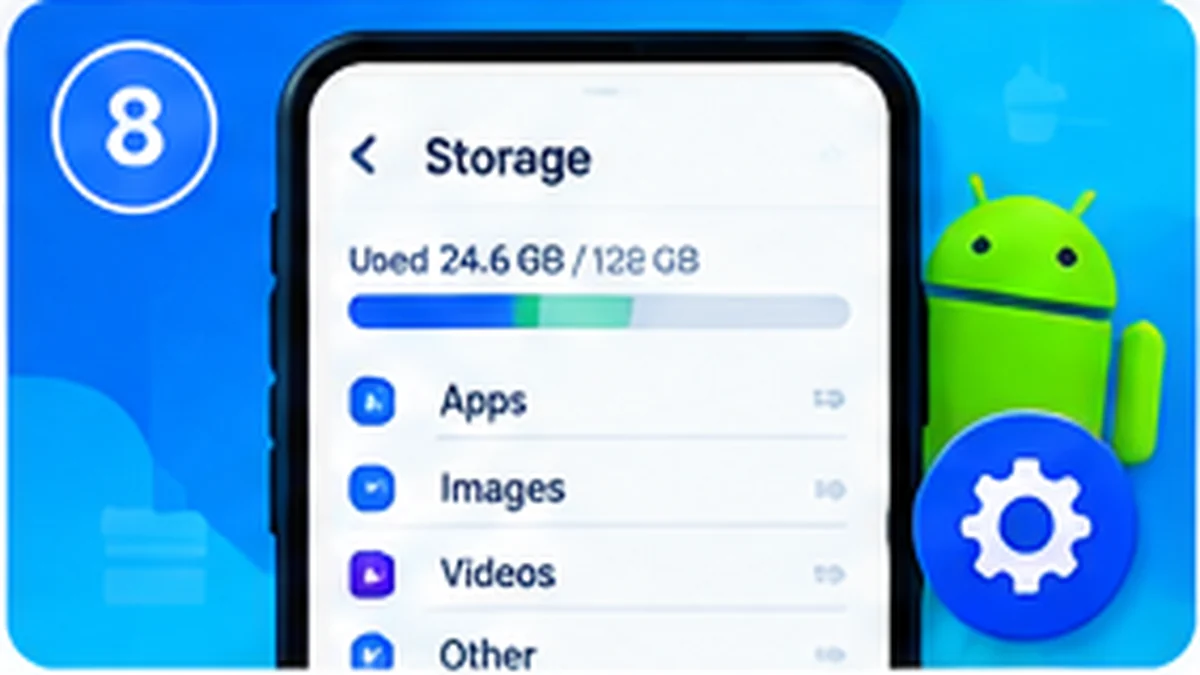
- Review free storage and remove only files you have checked or safely backed up.
- Install pending system and app updates from official sources.
- Check whether one recently installed app is using unusual resources.
Improve everyday responsiveness
- Close or uninstall apps you no longer use, rather than relying on aggressive task killers.
- Keep enough free storage for updates and temporary files.
- Use the phone's built-in battery and device-care tools where available.
- Back up important data before considering a factory reset.
Helpful Tips and Important Notes
Before changing a system setting or installing an app, check the developer, permissions and current user feedback. Back up important information before making major changes. Avoid modified apps, unknown APK sources and tools that promise to bypass device protections. If a feature is not available on your phone, it may simply be unsupported on that model or software build.
For more Android guides, visit the ToolXON Android category. Check the device manufacturer's support information for model-specific instructions.
Frequently Asked Questions
Why is my Android phone suddenly slow?
An app issue, low storage, pending updates or background activity may be responsible.
Do I need a RAM cleaner?
Usually not. Android manages memory automatically, and aggressive cleaners can be counterproductive.
Should I factory reset my phone?
Treat it as a last resort and back up important data first.
Editorial note: This is an independent informational guide. Android, Xiaomi, HyperOS, Redmi and POCO are trademarks of their respective owners. App features, settings and compatibility may change after updates. Always verify details on your own device before following a step.